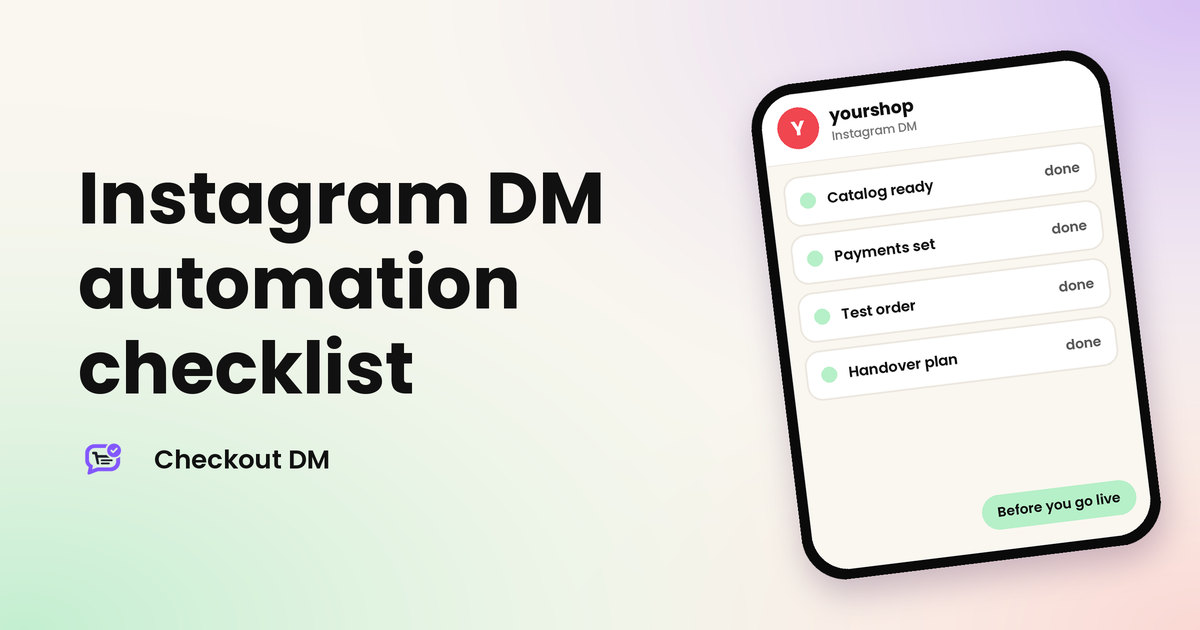
Switching on automation feels like the finish line. It is really the start line. The first real customer will test every detail you skipped: a missing size, a wrong price, a payment you forgot to set up. A short checklist before launch costs you an hour and saves you from the awkward messages that follow.
This list works for any Instagram DM automation tool, with Checkout DM examples where they help. If you are still choosing a tool, read what Instagram DM automation is and our comparison of DM automation tools first.
Part 1: Connection and safety
- Connect through Instagram’s official login. If a tool asks for your Instagram password, stop. Our guide to whether DM automation is safe explains why.
- Use a professional Instagram account. Business tools connect to professional accounts.
- Check the permissions you approved. You should recognise each one, and you can remove the tool’s access from your Instagram settings at any time.
Part 2: Catalog
- Add clear photos, names and prices. The customer should be able to tell products apart without asking. Our catalog tips help here.
- Add every size and set the stock for each size. Then a size that sells out is not offered again.
- Write one clear description per product. Include material, fit and care, so fewer questions reach you.
Part 3: Payments and shipping
- Choose how you get paid. UPI, QR code or bank transfer needs your confirmation. Razorpay, Stripe or PayPal confirms automatically. See UPI versus a payment gateway.
- Plan how you will check manual payments. Decide when you will compare screenshots with your bank account, and read about fake payment screenshots.
- Set your shipping fee, or a free-shipping rule. Decide what the customer pays, so it is added at checkout.
Part 4: Policies and answers
- Write your return and exchange policy. It is shown to customers in DMs automatically, so make it clear. See how to write a return policy.
- Add your FAQs. Cover delivery time, sizing and payment, the questions you answer most often.
Part 5: Triggers and testing
- Choose specific trigger words. A word like “yes” fires by accident. Pick something short and distinct, and tell people exactly what to type.
- Place a full test order from a second Instagram account. Go through product choice, size, address and payment as a customer would, and see what the order looks like on your side.
yourshop
Instagram DM
Test from your second Instagram account
Hi
Welcome! Here is what we have. Which product would you like?
Linen Kurta Set
Which size and how many would you like?
Part 6: Handover and limits
- Plan who handles chats that need a person. On Checkout DM Starter, Growth and Pro, the Stuck tab lists them, and you can take over any chat. Read what to automate and what to keep human.
- Know your plan limits before a launch. On the Free plan, new customer conversations pause once you reach the monthly limit of 15, so upgrade before a big post or sale. See the pricing page.
Mistakes that cause the most trouble
- Launching with half a catalog. A customer who picks a product with no price or sizes gets stuck, and so do you.
- Skipping the second-account test. You will find a gap in minutes that a customer would find in front of your whole audience.
- Using a trigger word people type naturally. Everyday words fire by accident and fill your inbox with conversations nobody wanted.
- Not saying what happens next. Tell customers how long delivery takes and how to reach you, so they do not message to ask.
- Promoting before you are ready. A Reel that goes well can bring more conversations in a day than a small plan allows. Check your limits first.
None of these takes long to fix, and all of them are easier to fix before customers are watching. Keep this list open on launch day and tick each item off as you go.
The first week after launch
- Check your orders daily. Confirm each one looks right and that payments match.
- Look at where chats get stuck. A repeated reason points to a gap in your catalog or FAQs.
- Check your automations. See how many messages each rule has sent, and adjust the wording if replies are low.
- Ask a few customers how it felt. A short message gets you honest feedback.
- Change one thing at a time. Then you can tell what worked.
Once the first week is calm, you can add more rules and posts. See the full flow on the Instagram DM automation page.
Related reading
Frequently asked questions
What should I check before turning on Instagram DM automation?
Check your connection and permissions, your catalog and stock, your payment method, your return policy and FAQs, your trigger words, and run a full test order from a second account.
How do I test Instagram DM automation safely?
Use a second Instagram account to message your business, comment your trigger word and go through a complete order, including payment, before you tell real customers.
What goes wrong most often on launch day?
Missing sizes or stock, a payment method that is not set up, a vague trigger word and no plan for who handles chats that need a person.
How long does setup take?
With your products ready, connecting your account and setting up a test order can be done in a short session. Preparing photos, prices and policies usually takes longer than the tool itself.
What happens if I reach the Free plan limit?
On Checkout DM’s Free plan, new customer conversations pause once you reach 15 unique customer conversations in a month, until the limit resets or you upgrade.