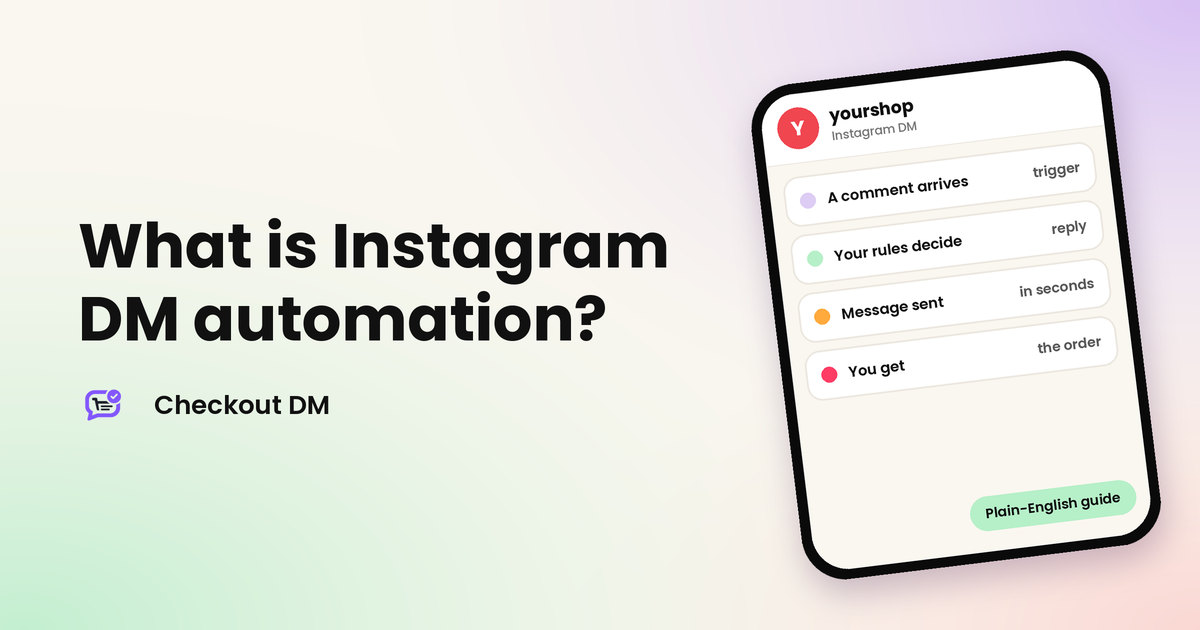
Instagram DM automation means using software to send replies in your Instagram messages for you, based on rules you set. A customer comments a word, replies to your Story or sends a message, and the tool answers within seconds, without you typing. For a seller, that can mean the difference between catching a sale at midnight and finding a cold chat in the morning.
This guide explains what Instagram DM automation is, how it works, what it can and cannot do, and how it differs from a simple auto-reply. We make Checkout DM, an Instagram DM checkout tool, so we use it as an example where it helps.
The simple definition
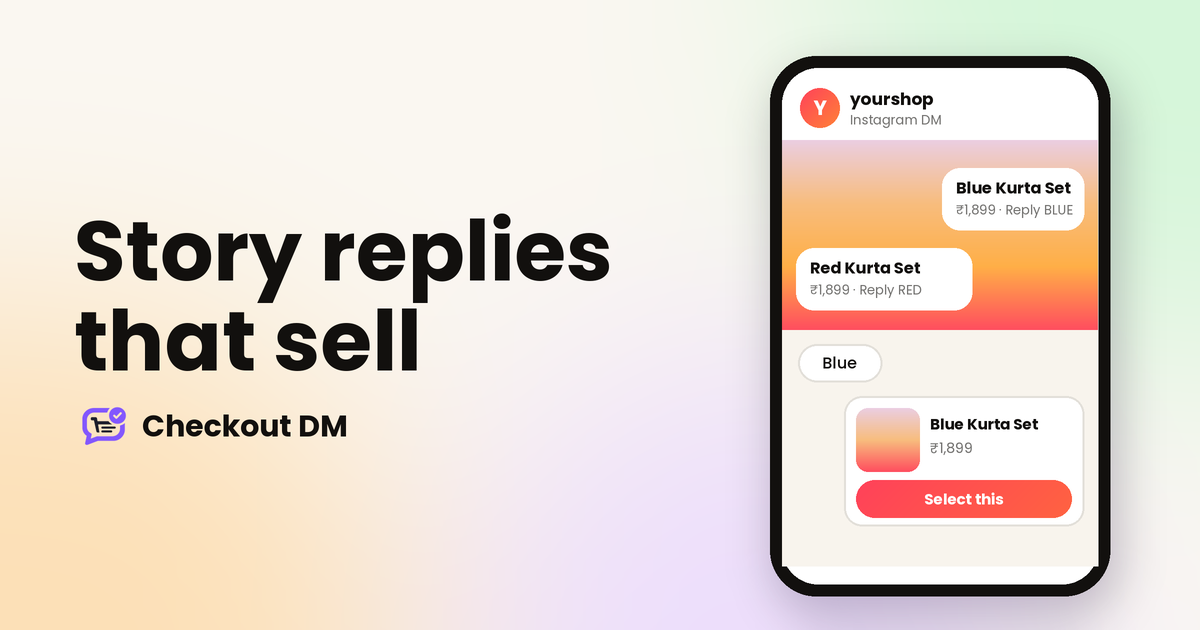
Think of it as a set of if-this-then-that rules attached to your Instagram account. If someone comments the word LINK on your Reel, then send them a private message with the product. If someone replies to your Story with a colour, then send the matching product card. If someone messages you, then show your catalog. The rules run all day, so your account answers when you cannot.
What triggers an automatic message
- A comment on a post or Reel. A keyword in the comment starts a private conversation. Our guide to comment-to-DM shows how.
- A reply to your Story. A word sent on a Story starts a chat. See Story replies that sell.
- A direct message. Someone messages your account, and the tool answers with a menu, an answer or the start of a checkout.
How it works behind the scenes
A trustworthy tool connects to your Instagram professional account through Meta’s official login. You see the permissions it asks for, approve them, and your password is never shared. When something happens on your account, such as a new comment or message, Instagram tells the tool, the tool checks your rules and sends the reply through Instagram’s official messaging connection.
Meta limits when a tool can message someone. According to Meta’s published rules, a comment can receive one private reply, within 7 days of the comment, and replies in a conversation must come within 24 hours of the customer’s last message. After a first private reply, the conversation continues only if the person answers. That is why automation answers people who have reached out to you, rather than messaging strangers. Our guide on whether Instagram DM automation is safe covers the rules in full.
Four levels of DM automation
| Level | What it does | Good for |
|---|---|---|
| Saved replies and away messages | Instagram’s own features send a fixed answer | Simple greetings and out-of-hours notes |
| Keyword and comment tools | A trigger word sends one fixed reply or link | Giveaways, links and lead capture |
| Flow builders and chatbots | A multi-step conversation you design | Marketing flows and FAQs |
| DM checkout tools | The whole sale happens in the chat | Sellers who take orders through DMs |
Check which saved-reply and away-message features are available on your own account, since Instagram changes them. Most dedicated tools start at the second level, and the difference between the third and the fourth is whether the tool can take an order.
What a seller can automate
With a checkout tool such as Checkout DM, the repeatable parts of a sale run on their own:
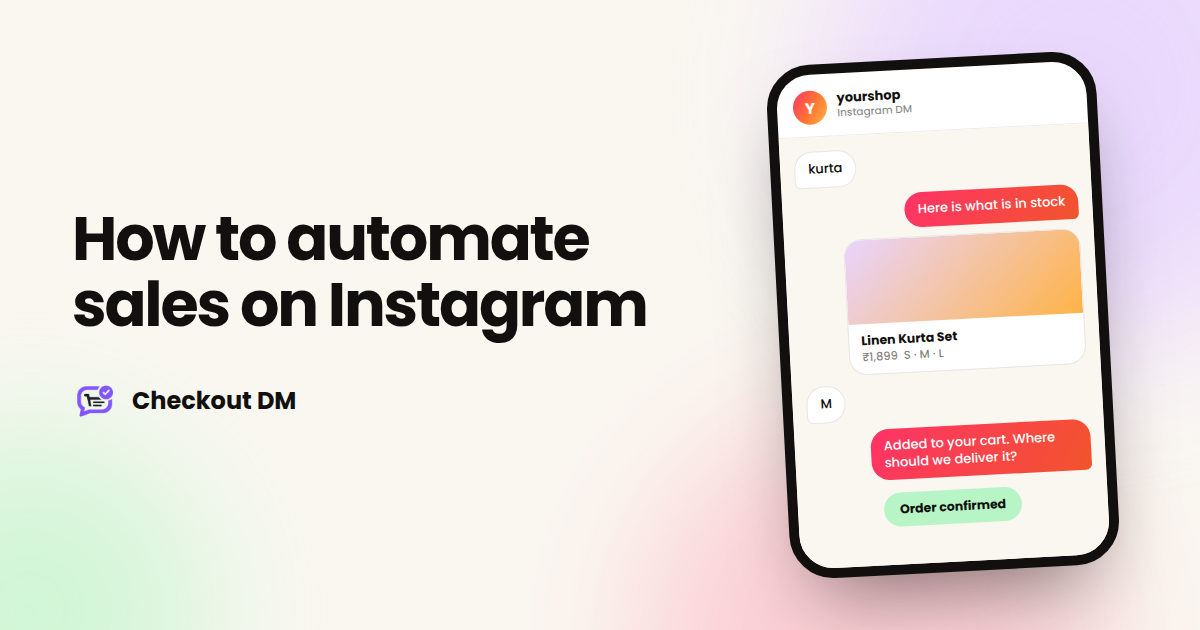
- Showing the catalog, with photos, prices and sizes.
- Checking stock, so a size that has sold out is not offered.
- Collecting the size, quantity, name, phone number and delivery address one step at a time.
- Sending a payment link, or manual UPI, QR code or bank transfer details.
- Recording the order in a dashboard and emailing the customer.
- Showing your return policy, exchange policy and FAQs.
You can see the whole flow on our Instagram DM automation page.
What it cannot do
- Message strangers. Automation replies to people who comment, reply to your Story or message you.
- Replace judgement. A complaint, a custom order or a payment you are unsure about needs a person.
- Fix weak products or slow shipping. Automation speeds up replies, but it cannot make people want a product.
Signs you could use it
- You type the same price and size answers many times a week.
- Messages arrive at night and are answered the next day.
- You keep orders in a notes app or spreadsheet, and lose track of who paid.
- Comments ask “price?” and you copy the answer into each one.
If two or more of those sound familiar, our guide to how to automate sales on Instagram walks through the steps for small sellers.
How to start safely
- Use the official connection. Never give a tool your Instagram password.
- Start with one rule. One trigger on one post teaches you more than five half-finished ones.
- Test from a second account before you tell customers.
- Keep a human route. Make sure you can see and take over chats that need you.
- Start on a free plan. Checkout DM has a Free plan with 5 products and 15 unique customer conversations a month.
Related reading
Frequently asked questions
What is Instagram DM automation in simple words?
It is software that sends replies in your Instagram messages for you, based on rules. For example, it can answer a comment, a Story reply or a direct message within seconds.
Is Instagram DM automation allowed?
Yes, when a tool uses Instagram’s official connection and stays within Meta’s published limits. Be careful with any tool that asks for your Instagram password.
Do I need a business account for DM automation?
You connect a professional Instagram account through Instagram’s own login. Our connection guide covers how to switch an account if you need to.
Is Instagram DM automation free?
Many tools have a free plan with limits. Checkout DM’s Free plan costs ₹0 and allows 5 products and 15 unique customer conversations a month.
Will automation replace talking to my customers?
No. It handles the repeatable parts, such as showing products and collecting details. You still step in for complaints, custom orders and anything that needs judgement.