Many sellers want to automate their Instagram DMs but worry about one thing: will my account get banned? The worry is reasonable, because there are tools that put accounts at risk. There are also tools that follow Meta’s rules closely.
The short answer is that automation is safe when it uses Instagram’s official connection and stays inside Meta’s published limits. This guide explains what those limits are, what a risky tool looks like and how to choose with confidence.
What “safe” actually means
Three different things get mixed up when people ask whether automation is safe:
- Safe for your login. The tool should never need your Instagram password.
- Safe for your account. The tool should send messages in ways Instagram allows, so your account is not restricted for spam-like behaviour.
- Safe for your customers. Messages should be relevant, wanted and easy to stop, so people do not feel spammed.
How a safe tool connects
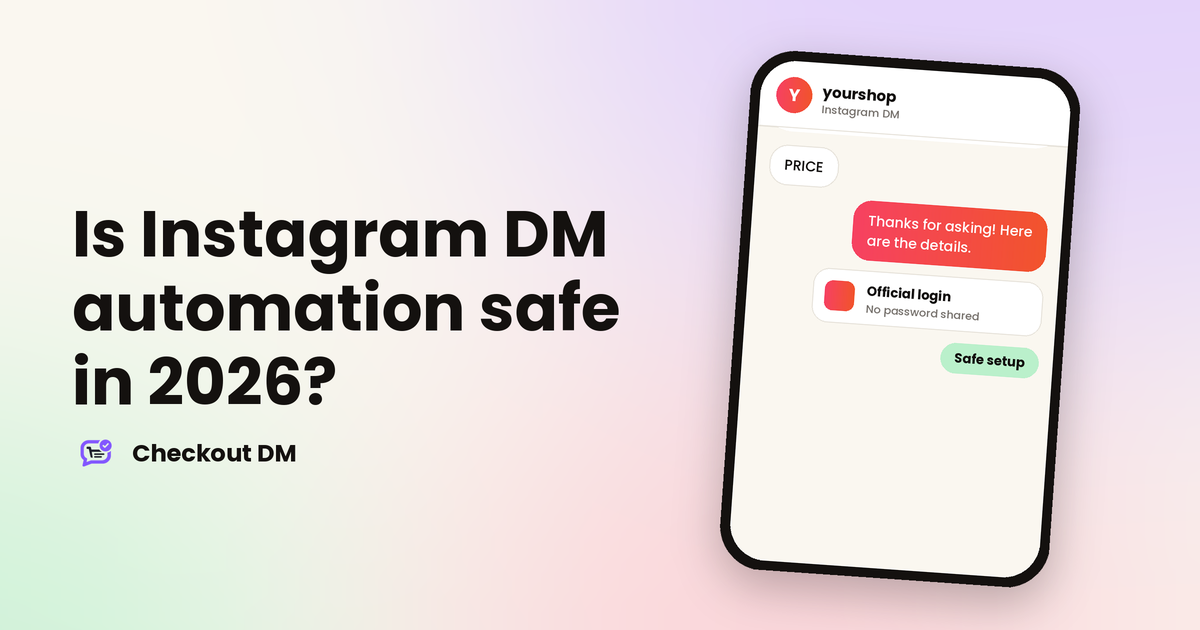
Meta provides an official way for business tools to work with Instagram messaging. You connect your professional account through Instagram’s own login screen, you see the permissions the tool is asking for and you approve them. Your password is never shared with the tool, and you can remove its access from your Instagram settings at any time.
Be careful with any tool that asks for your username and password directly. That route sits outside Meta’s official connection, and it is the kind of setup that tends to end in restricted accounts. Our guide on how Checkout DM connects through Meta’s official login shows what a proper connection looks like.
What Meta’s rules allow
Meta’s developer documentation sets out when and how often a business tool can message people. This is the part that matters most for sellers:
| Situation | What a tool can send | Limit |
|---|---|---|
| Someone comments on your post or reel | One private reply to that comment | Within 7 days of the comment, and only one message per comment |
| Someone sends you a DM | Replies in the conversation | Within 24 hours of their last message |
| Someone replies to your Story | Replies in the conversation | A Story reply is a message from the customer, so the 24-hour window applies |
| Someone comments on a live broadcast | One private reply | Only while the broadcast is live |
A private reply lands in the person’s inbox if they follow you, or in their message requests if they do not. After that first message, the conversation can continue only if the person replies. This is why comment-to-DM flows work best when the first message is short and makes it easy to answer.
The hourly limit, and what it means on a viral day
Meta also sets rate limits. According to its documentation, an app can make 750 private-reply calls per hour for each Instagram professional account, for comments on posts and reels. That limit comes from Meta, so it applies to every tool, whatever the plan or price.
Most sellers will never reach it. If a Reel takes off and hundreds of people comment a keyword within the same hour, though, replies can queue up. Ask any tool you use how it handles a rush: whether it spreads replies out, retries them and tells you when some did not go through. Our guide to comment-to-DM orders explains how to prepare for a busy day.
Habits that keep your account out of trouble
- Message people who reached out. Reply to comments, DMs and Story replies. Do not message strangers cold.
- Keep replies relevant. Answer what the person asked, instead of sending the same promotion to everyone.
- Do not repeat yourself. One private reply per comment is the rule, so do not try to work around it.
- Do not send in bursts. Messages that go out faster than a person could plausibly type invite restrictions.
- Let people reach a human. Make it clear that you will reply personally when the automated flow cannot help.
- Use official connections only. Never hand over your password.
Questions to ask before you choose a tool
- How does it connect? The answer should be Instagram’s official login, and nothing else.
- What can it access? Look for a clear explanation of the data it reads and stores.
- What happens to my data if I leave? There should be a clear way to disconnect and to request deletion.
- How does it handle limits? It should respect Meta’s windows and rate limits rather than ignore them.
- Who do I contact if something goes wrong? Look for real support, not just a form.
If you are comparing options, our Instagram DM automation tools comparison looks at what each tool builds in, and our guide to Story replies that sell shows a safe way to start from the conversations people begin themselves.
How Checkout DM approaches this
Checkout DM connects to your Instagram Business account through Instagram Business Login, so it never sees your password, and you can see and remove its access from Instagram. It responds to people who have commented, replied to a Story or sent a message, and the details of what it can and cannot access are on the security page. Meta’s limits apply to every tool, Checkout DM included, so a very busy hour can still be limited by Meta even though Checkout DM does not cap your conversations on paid plans.
Related reading
Frequently asked questions
Can Instagram ban my account for using DM automation?
Accounts are restricted for spam-like behaviour and for tools that ask for your password. A tool that connects through Instagram’s official login and follows Meta’s messaging rules is the permitted route, but no one can promise that an account will never be restricted, so keep your messages relevant and unhurried.
How many comments can I reply to in an hour?
Meta’s documentation lists a limit of 750 private-reply calls per hour per Instagram professional account for comments on posts and reels. The limit applies to every tool, and it is separate from any limit a tool sets.
Can an automation message someone who never contacted me?
No. Meta’s rules are built around people who reach out first, through a comment, a DM or a Story reply. A tool can reply once to a comment within 7 days, and can continue a conversation within 24 hours of the person’s last message.
Does Checkout DM ask for my Instagram password?
No. Checkout DM connects through Instagram Business Login, which means you approve the connection on Instagram’s own screen and can remove it from Instagram at any time.