If you sell on Instagram, you probably spend a large part of your day answering the same few messages. What is the price? Do you have this in my size? How do I pay? Where do I send my address? Each answer takes a minute, and each one is a small chance to lose the sale if you reply late.
Automating sales on Instagram means taking those repetitive steps off your plate while keeping the parts that need a person. Done well, customers get an instant, accurate reply at any hour, and you spend your time packing orders and talking to people who need real help.
This guide walks through the whole process in the order you would actually set it up. It uses Checkout DM for the examples because that is what we build, but the steps apply to any tool you choose.
What you can and cannot automate
A sale has a predictable shape, and most of it is automatable. The parts that are not are the ones where judgement or warmth matters.
| Automate it | Keep it human |
|---|---|
| Replying instantly to the first message | A custom or bulk order request |
| Showing products, prices and sizes | Negotiation or special pricing |
| Collecting the delivery address | A worried or upset customer |
| Sending a payment link or payment details | Questions your catalog cannot answer |
| Confirming the order and tracking it | A return where something went wrong |
The test is simple: if you would give the same answer to every customer, automate it. If the answer depends on the person, answer it yourself. A good setup lets a customer ask for a real person at any point, and lets you take over the conversation without breaking anything.
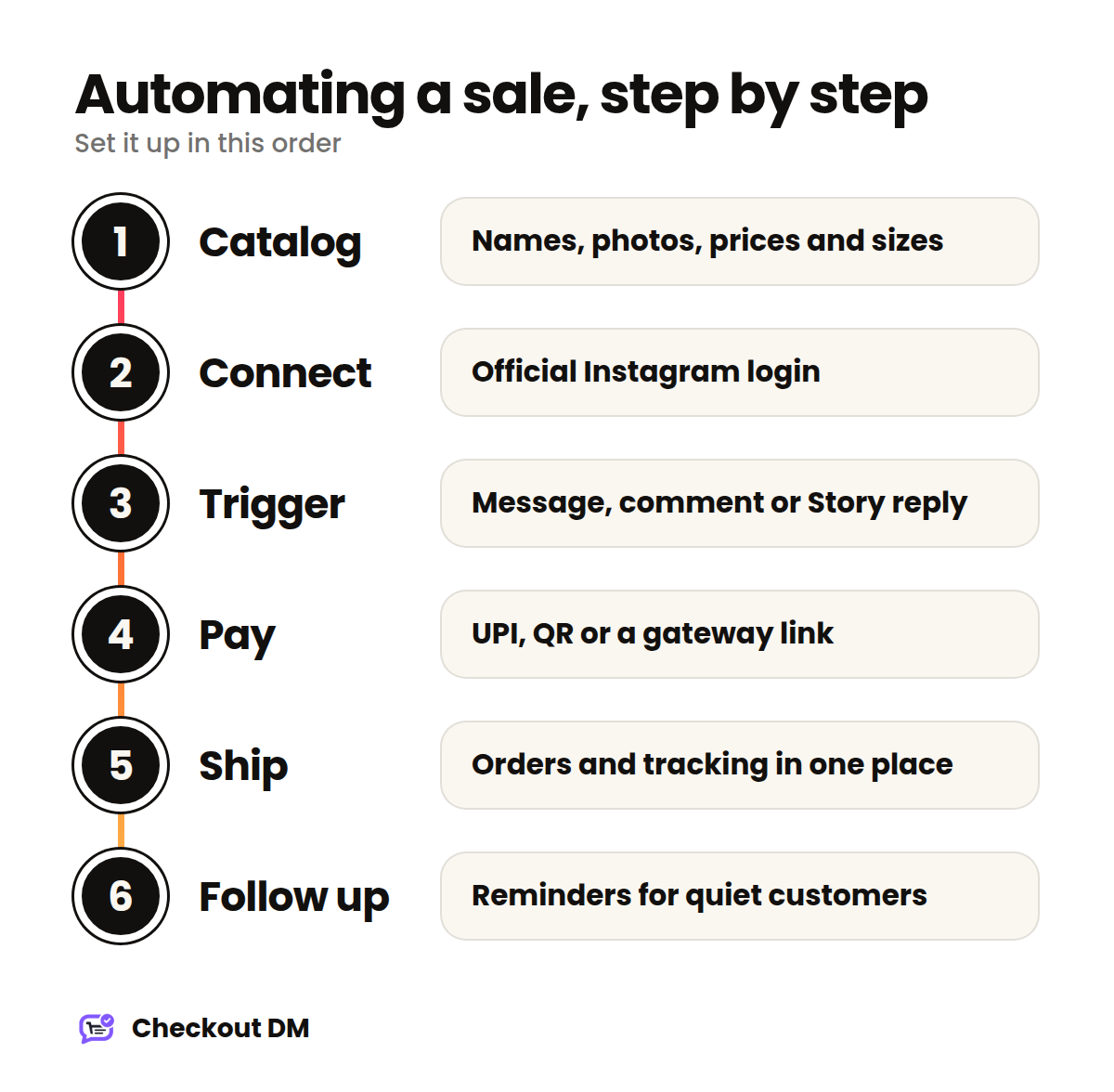
Step 1: Get your catalog ready
Automation can only sell what it knows about. Before you connect anything, prepare the information a customer needs to say yes without asking you a question.
- A clear product name that uses the words customers would type, such as “Linen Kurta Set, Sage Green” rather than “Item 14”.
- One good photo in bright light with a plain background.
- A price that is final, including anything you charge for delivery if it is fixed.
- Every size or variant you actually sell, with the stock for each.
Five to ten of your best sellers is plenty to begin with. A small, accurate catalog beats a large, messy one. There is more detail in our guide to catalog tips.
Step 2: Connect your Instagram account safely
You need a professional Instagram account (Business or Creator), and you connect it through Instagram’s official login. You sign in on Instagram’s own page and approve a short list of permissions, and your password is never shared with the tool. If a tool ever asks for your Instagram password, do not use it. We explain what a safe connection looks like in Is Checkout DM Safe?.
Step 3: Choose how customers start a purchase
Automation needs a trigger. There are three natural ones on Instagram, and most sellers end up using all three.
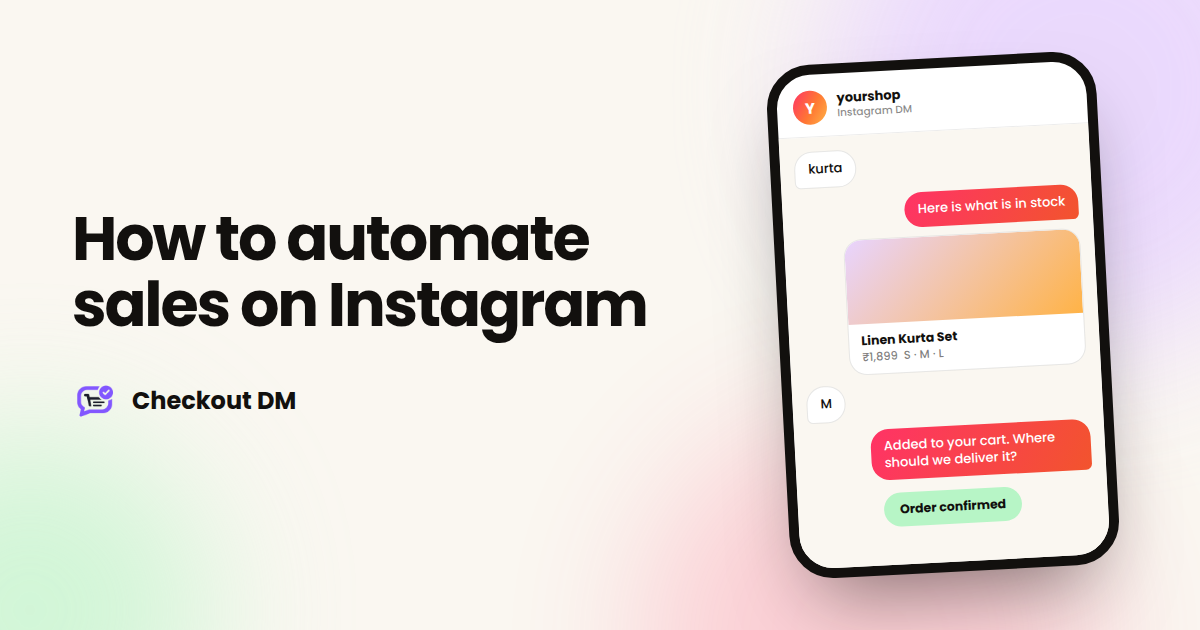
- A message to your account. The customer sends a keyword or a question, and the catalog opens.
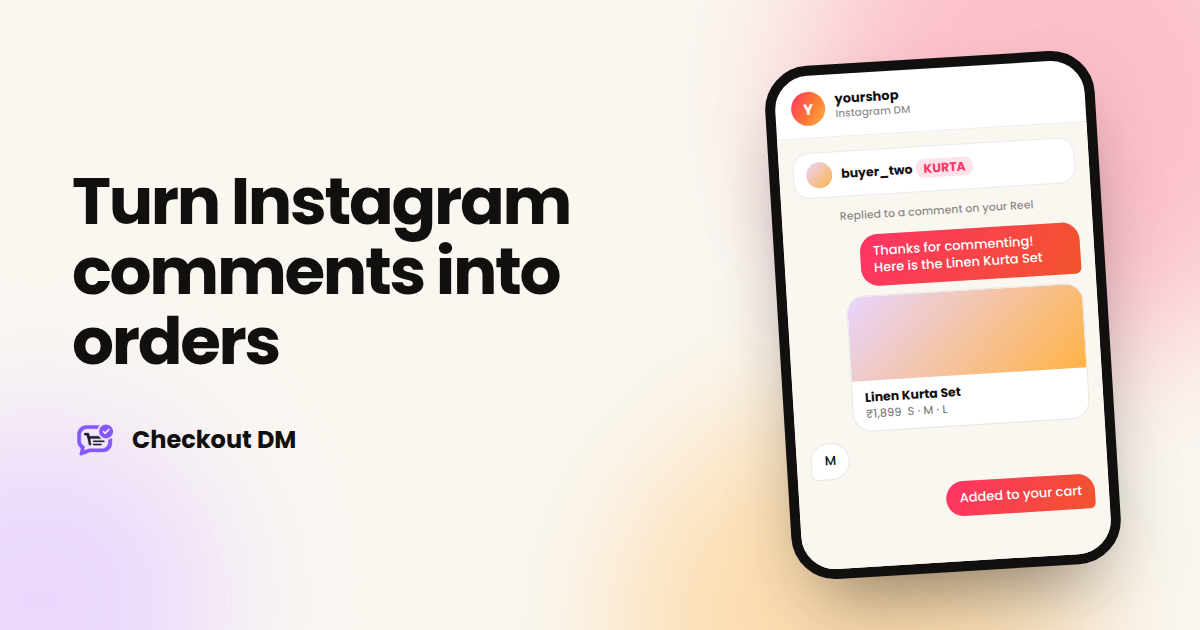
- A comment on a post or Reel. The customer comments a keyword, and the conversation starts in their DMs. See our guide to comment-to-DM.
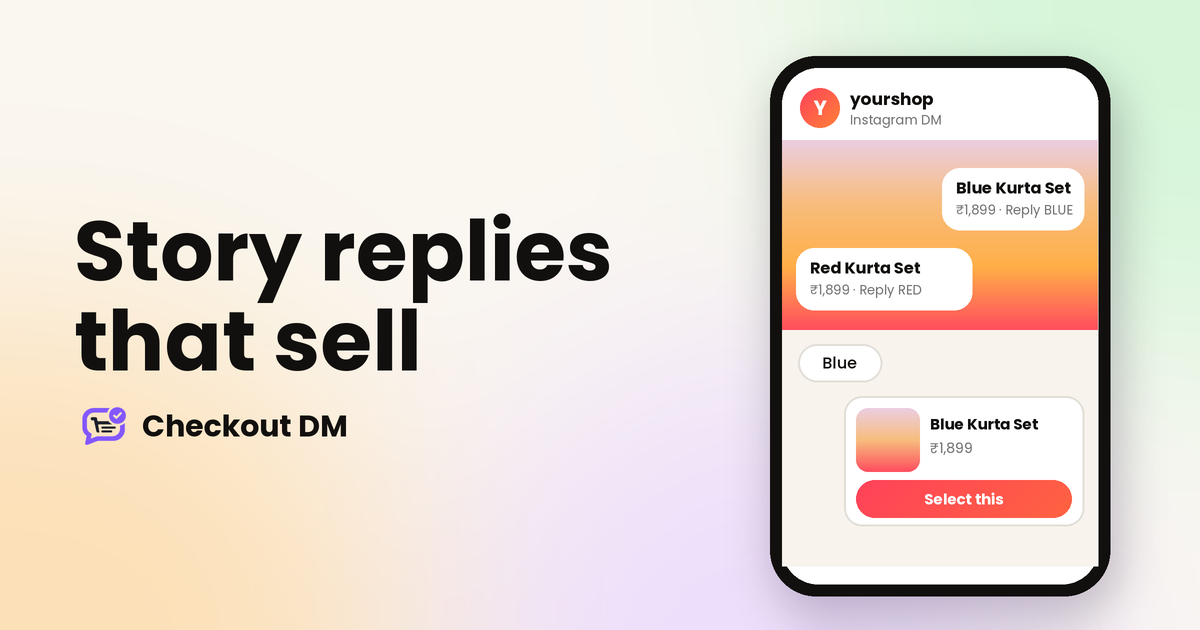
- A reply to your Story. The customer is already looking at the product. They reply with a keyword you chose, such as RED or LINK, and the matching product card arrives in their DMs. Growth and Pro match each keyword to its own product, and other plans send a general reply. See Story replies that sell.
Start with one. If most of your sales come from Reels, begin with comment-to-DM. If your customers mostly message you directly, begin with the DM keyword. Adding more triggers later is easy once the first one works.
yourshop
Instagram DM
kurta
Hi! Here is what is in stock. Tap a product to see sizes.
Linen Kurta Set • ₹1,899 Sizes: S, M, L
M
Added to your cart. Where should we deliver it?
A few details later
Here is your secure payment link. Your order is confirmed as soon as it is paid.
Step 4: Decide how you will take payment
You have two options. You can accept payments manually through UPI, a QR code or a bank transfer, which needs no payment gateway but means you confirm each payment yourself. Or you can connect Razorpay, Stripe or PayPal so payments are confirmed automatically.
If you are just starting, manual payment is fine. The moment checking payments starts to eat your evenings, connect a gateway. We compare the two in detail in UPI versus a payment gateway.
Step 5: Make shipping and order tracking automatic
The sale is not finished when the payment lands. You need to see what to pack, ship it and tell the customer where it is. Keeping every order in one dashboard, with a courier connected, means you are not searching through chat history to find who ordered what.
In Checkout DM, orders, returns and shipments live in one dashboard, and you can connect Shiprocket or Shippo for shipping and delivery tracking (which plans include tracking is listed on the pricing page).
Step 6: Follow up on customers who go quiet
Some customers add a product to their cart and then disappear. A short, helpful message often brings them back. Instagram limits when a business can message a customer after their last message, so follow-ups work best when they are sent soon after the conversation goes quiet. Our guide to abandoned carts in DMs covers what to say and when.
Test the whole thing before you tell anyone
Before you promote your new setup, run through it yourself from a second Instagram account. Place an order the way a customer would. Choose a size, enter an address, and pay. Look for anything confusing, any wording that sounds off and any step that takes longer than it should. Fix those first, because your first real customers will meet every rough edge.
Common mistakes when automating Instagram sales
- Automating before the basics are ready. If your prices, sizes or stock are out of date, automation will repeat those mistakes faster.
- Sounding like a robot. Write the messages the way you would speak to a customer, and keep them short.
- Making it impossible to reach a person. Always leave a way to ask for help.
- Sending too much. Automation should answer what the customer asked, not bury them in messages.
- Never checking the results. Look at where customers stop, and fix that one step.
A simple one-week plan
- Day 1: choose your first five to ten products and write clear names, prices and sizes.
- Day 2: take one good photo for each and upload them.
- Day 3: connect your Instagram account and decide how you will take payment.
- Day 4: set up one trigger, and test the full flow from a second account.
- Day 5: fix anything that felt confusing, then tell your customers it is live.
- Day 6 and 7: watch the real conversations and note where people stop.
Checkout DM has a free plan with 5 products and 15 customer conversations a month, which is enough to run this plan and see how it feels. Details are on the pricing page.
Related reading
Frequently asked questions
Is it allowed to automate sales on Instagram?
Yes, as long as the tool uses Instagram's official platform and stays within its rules, including the 24-hour messaging window. Avoid tools that ask for your password or that message people who have not interacted with you.
Do I need a website to automate sales on Instagram?
No. With a DM checkout, your Instagram profile is your storefront, and the whole sale happens inside the chat, from browsing to payment. You can also share a public catalog page if you want customers to look around first.
Will automation make my shop feel impersonal?
Not if you write the messages the way you would speak and leave an easy way to reach a person. Automation should handle the repetitive questions so you have more time for the conversations that need you.
How long does it take to set up?
Preparing good photos, prices and sizes usually takes longer than connecting the tool itself. Start with five to ten products and add more once the first flow works.