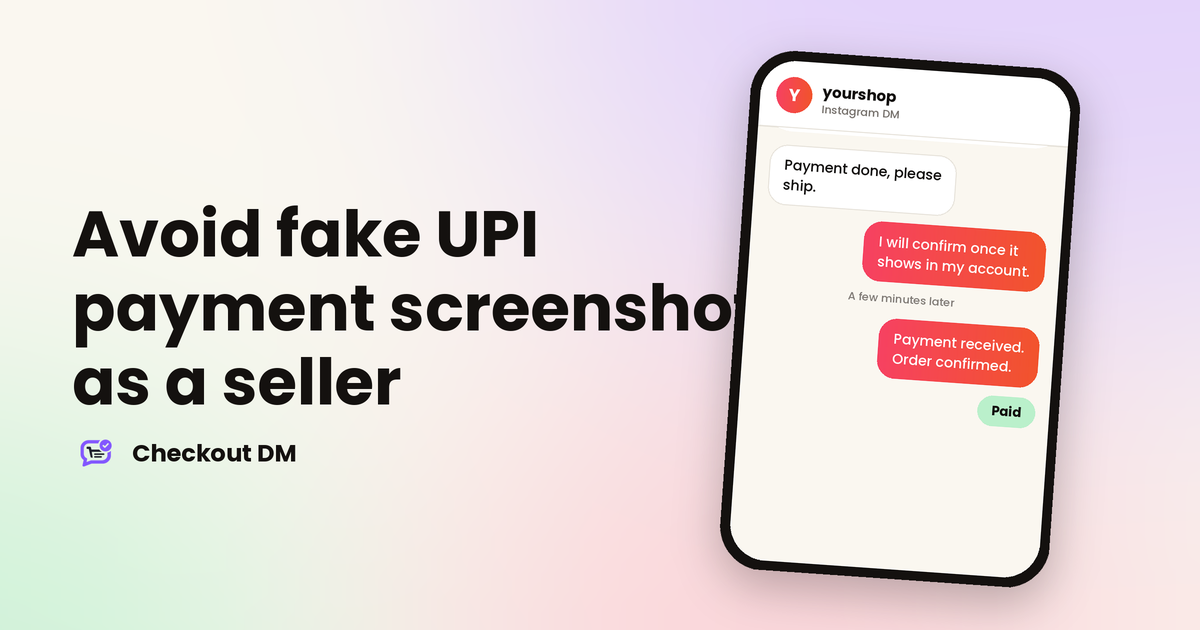
If you sell through Instagram DMs and accept UPI, you have probably received this message: “Payment done, please check”, followed by a screenshot. Most of the time the payment is real. Sometimes it is not, and by the time you find out, the parcel is already on its way.
A screenshot only shows what is on the buyer’s phone. It does not show what reached your account. This guide explains how to verify a payment properly, which scams are the most common and how to remove the problem altogether.
Why a screenshot proves nothing
Anyone can edit a screenshot, record a payment that later fails or show a transaction that is still pending. Image editors and fake payment apps make it easy to produce a convincing “success” screen in a minute. Even a genuine screenshot can mislead, because a UPI payment can show as processing on the buyer’s phone and then fail.
The only reliable proof is the credit in your own account. What your bank app, your UPI app or your bank’s SMS shows is what counts. Nothing the buyer sends you replaces it.
How to verify a UPI payment properly
- Check your own account, not the screenshot. Open your bank or UPI app and look for the credit in your transaction history.
- Match the amount exactly. A payment of ₹499 is not a payment of ₹449 or ₹4.99. Read every digit.
- Match the details. Compare the transaction ID (UTR) on the screenshot with the one in your history, along with the time and the sender’s name where it is shown.
- Wait for a final status. If your app shows pending or processing, do not ship yet. Payments in that state can still fail.
- Mark the order as paid only after this. Ship the parcel or send the download after you have seen the money, never before.
This takes about a minute per order. When you are handling many orders a day, it quietly becomes the slowest part of your business, which is the real reason many sellers start skipping it.
Common scams and how to spot them
- The edited screenshot. Fonts that look slightly off, a transaction ID that matches nothing in your history or a time that does not fit. The fix is always the same: check your own account.
- The “wrong amount” trick. A buyer says they paid too much by mistake and asks you to send the difference back. Never return money you have not seen in your account. If an overpayment really happened, the buyer can raise it with their own bank or UPI app.
- The “collect request” trick. A buyer sends you a request and says you must approve it to receive the money. You never enter your UPI PIN to receive a payment. Entering it sends money out of your account.
- The pressure play. “I am in a hurry, please ship now, the money is coming.” Urgency is a reason to slow down, not to speed up.
- The pending payment. A screenshot of a payment that is still in progress. Wait until it settles in your account.
Make payments easier to check
A few habits make verification faster and make scams harder to pull off:
- Ask buyers to add the order number in the UPI note. It lets you match a payment to an order instead of guessing by amount, which is hard when many customers pay the same price.
- Record the transaction ID against each order. A note in your sheet or dashboard gives you evidence if a dispute comes up later.
- Do not ship on a promise. If a payment is delayed, tell the buyer politely that the order goes out once the payment clears.
- Say your payment rule before the buyer pays. One clear sentence in your reply saves an awkward argument afterwards.
yourshop
Instagram DM
Payment done. Please ship today, I have sent the screenshot.
Thank you! I can see your screenshot. I will confirm and ship as soon as the payment shows in my account. It usually takes a few minutes.
OK
A few minutes later
Payment received. Your order is confirmed and I will share tracking once it ships.
Stop relying on screenshots altogether
The cleaner fix is to take payment in a way that confirms itself. When a customer pays through a payment gateway such as Razorpay, the gateway tells your system the moment the payment succeeds, so nobody has to look at a screenshot. In Checkout DM, a connected gateway confirms payments automatically. Manual payments by UPI, QR code or bank transfer are confirmed by you.
Payments go straight to your own account, and Checkout DM does not take a commission on your orders. A gateway does charge its own fee, so compare that cost with the time you spend checking payments by hand. Our guide to UPI versus a payment gateway walks through that trade-off, and taking payments on Instagram in India covers every option.
What to do if you already shipped on a fake payment
It happens even to careful sellers. Stay calm, and do not argue in the chat. Work through these steps instead:
- Save your evidence. Keep the chat, the screenshot and your account statement showing that no matching credit arrived.
- Try to stop the parcel. If it has not been delivered yet, ask the courier to hold it or return it to you.
- Ask for the transaction ID. Tell the buyer calmly that the payment has not reached you and ask them to share the UTR.
- Report it if money was lost. You can file a complaint on the National Cyber Crime Reporting Portal or call the helpline 1930.
- Close the gap. Decide which step in your process allowed the shipment and change it, so it cannot happen the same way again.
Failed deliveries cost money for a different reason, and the same discipline helps there too. If you want to cut down on parcels that come back, read our guide to handling abandoned carts in DMs for ways to keep buyers committed from the first message to the final payment.
Related reading
Frequently asked questions
Is a UPI payment screenshot proof of payment?
No. A screenshot only shows what is on the buyer’s phone, and it can be edited or may show a payment that later fails. The only reliable proof is the credit in your own bank or UPI app.
How can I check whether a UPI payment is real?
Open your own bank or UPI app and look for the credit. Match the amount, the transaction ID (UTR), the time and the sender’s name, and wait until the status is final before you ship.
Do I need to enter my UPI PIN to receive money?
No. You never enter your UPI PIN to receive a payment. If someone asks you to approve a request or enter your PIN to receive money, it is a scam, because entering the PIN sends money out.
Does Checkout DM confirm payments automatically?
With a connected payment gateway such as Razorpay, yes. Manual payments by UPI, QR code or bank transfer are confirmed by you before the order moves on.