For an Instagram seller in India, payment is where a good conversation can still fall apart. The customer is ready, the size is chosen, and then comes the question: how do I pay you? If the answer is awkward, slow or unfamiliar, some customers quietly drop out.
This guide covers the payment methods Indian buyers actually use, how to take each one from a DM, and how to keep your payments organised so that you never ship an order that was not paid for. If you want the deeper comparison between manual payments and a gateway, read UPI versus a payment gateway after this.
What Indian buyers expect
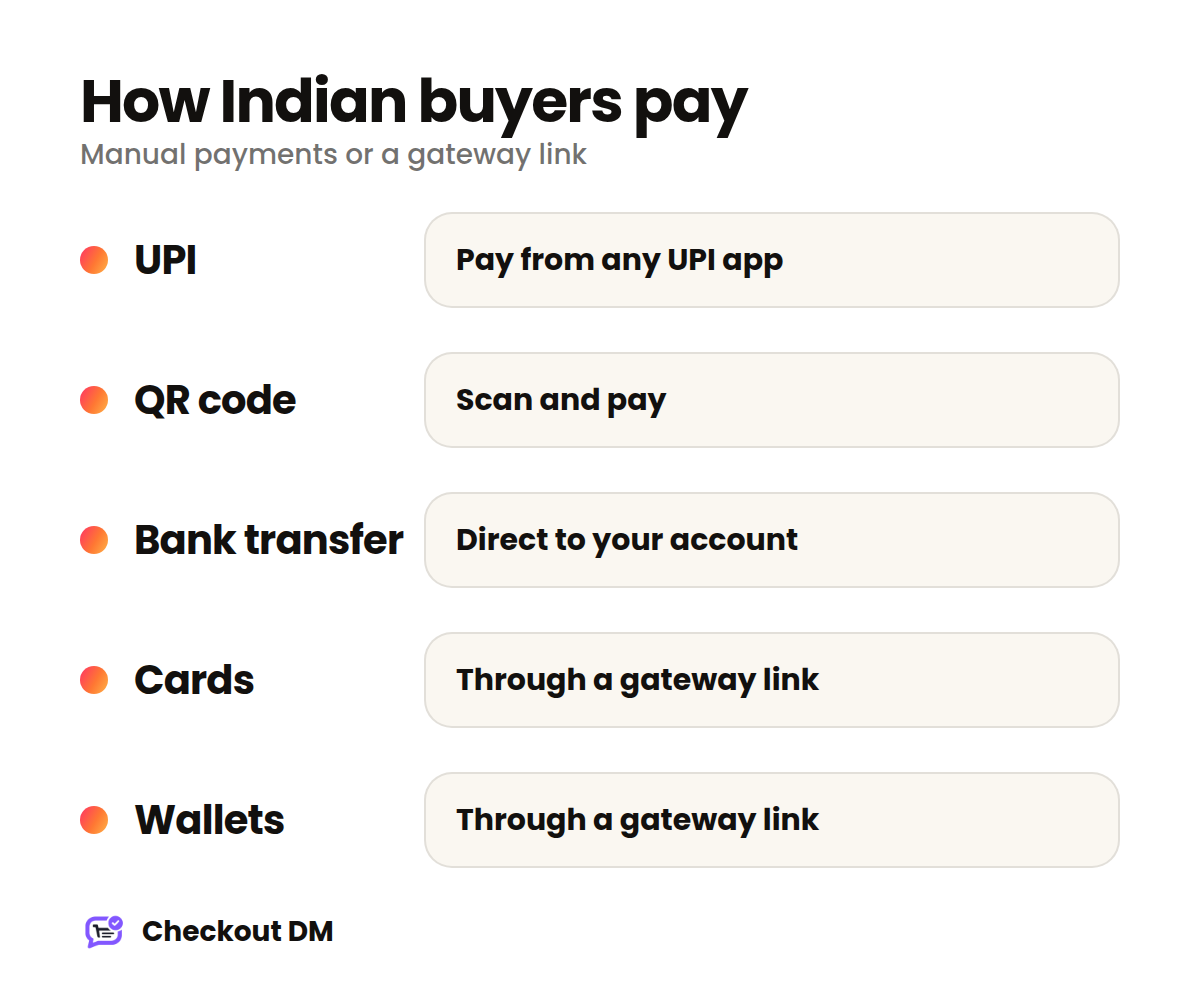
UPI is the default way many people pay for everyday purchases, so a seller who cannot accept it looks out of step. Cards and wallets matter too, especially for higher-value orders and for buyers who like to see a secure payment page. The good news is that you can offer all of these without a website.
Option 1: UPI, QR code and bank transfer
This is the simplest approach and the one most new sellers start with. You share your UPI ID, a QR code or your bank details in the chat, the buyer pays from their own app, and you confirm that the money arrived.
It needs no payment gateway and no registration with a payment provider, and it works on every Checkout DM plan, including Free. The trade-off is that manual payments are not verified automatically. You check your UPI or bank app, then mark the order as paid in your dashboard.
How to avoid manual payment mix-ups
- Never rely on a screenshot alone. A screenshot is not proof of payment. Check your own UPI or bank app before you pack the order.
- Ask for the exact order amount. When every order has a distinct total, it is easier to match a payment to a customer.
- Use a business-style UPI ID. A clear name on the payment screen reassures customers that they are paying the right shop.
- Confirm promptly. A customer who has paid and hears nothing starts to worry. A quick “Payment received, thank you” keeps trust high.
Option 2: a payment gateway with cards, UPI and wallets
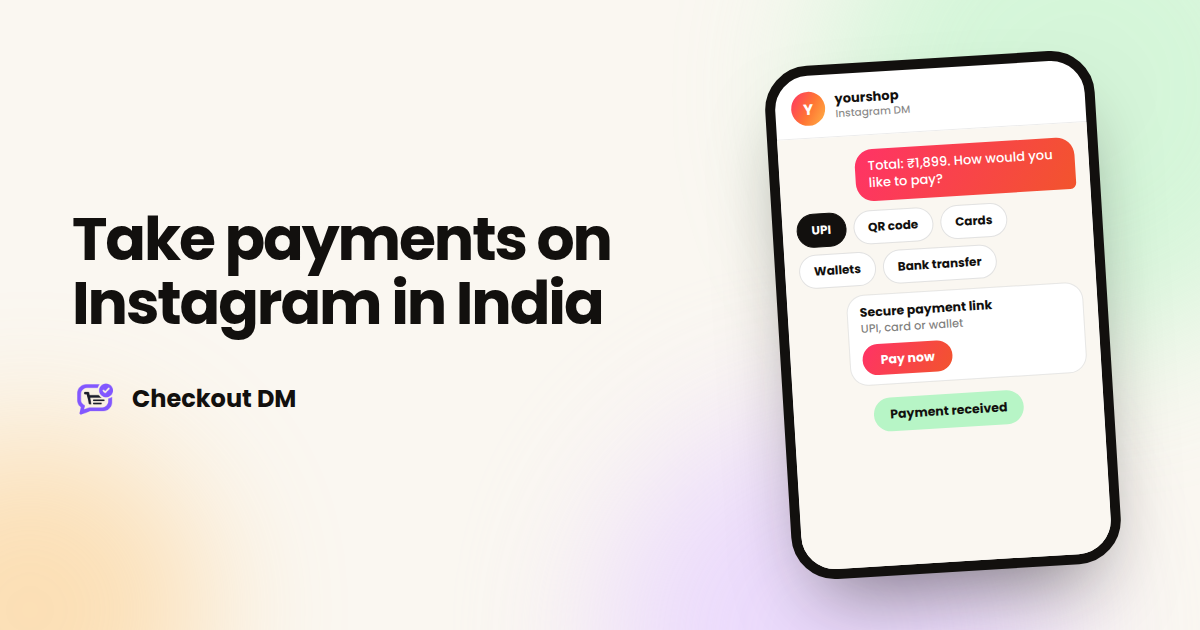
A payment gateway gives the customer a secure payment link. They choose how to pay, whether that is UPI, a card or a wallet, depending on what you enable, and the order is confirmed automatically when the payment succeeds. You do not check anything by hand.
Checkout DM supports Razorpay, Stripe and PayPal, and you can have one automatic gateway active at a time. For most Indian sellers Razorpay is the natural choice. Each gateway needs a few keys from its own dashboard, and we have step-by-step guides for Razorpay, Stripe and PayPal.
Which should you use?
| Your situation | Start with |
|---|---|
| Just starting, a few orders a week | Manual UPI, QR code or bank transfer |
| Checking payments takes too much of your time | A payment gateway with automatic confirmation |
| Customers want to pay by card or wallet | A payment gateway |
| Customers outside India | A gateway that accepts international cards |
Selling to customers outside India
UPI and Indian bank transfers do not work for most buyers abroad. To sell internationally, connect a gateway that can accept international cards, such as Stripe, PayPal or Razorpay depending on how your account is set up. Checkout DM supports international customers through these gateways.
Before you sell abroad, think about shipping costs and delivery times too, since those are the questions overseas buyers ask first.
Keep your payments and records tidy
- One place for orders. Use a dashboard rather than scrolling through chats to find who paid.
- Note every payment against an order. Whether it is automatic or manual, each order should be clearly marked as paid or unpaid.
- Keep your own records for tax. Rules on invoicing and GST depend on your business, so ask your accountant what you need to issue and keep.
- Write down your refund approach. Decide in advance how returns and refunds work so you can explain it in one message.
Make paying feel safe
Customers hesitate when paying feels risky. A few small things help a great deal: pay to a name that matches your shop, use a secure payment link rather than asking for card details in the chat, and never ask a buyer to send their card number in a message. Checkout DM uses secure payment links and does not store customer card details.
A quick setup checklist
- Decide whether you will start with manual payments or a gateway.
- If manual, set up a clear UPI ID or QR code and a bank account for transfers.
- If a gateway, create the account and copy the keys using the matching guide.
- Run a test order from a second Instagram account and pay a small amount yourself.
- Write one line each for your delivery time and your refund policy.
Checkout DM has a free plan with manual payments included, so you can test the whole flow before connecting anything. See the pricing page for the current plans.
Related reading
Frequently asked questions
Can I accept UPI payments from Instagram customers?
Yes. You can share your UPI ID or a QR code in the chat and confirm each payment yourself, or connect a payment gateway such as Razorpay so UPI, cards and wallets are confirmed automatically.
Do I need a payment gateway to sell on Instagram?
No. Every Checkout DM plan can accept payments manually through UPI, a QR code or a bank transfer. A gateway is useful when you want automatic confirmation or card payments.
Can I sell to customers outside India?
Yes. Connect Stripe, PayPal or Razorpay to accept international card payments. You can have one automatic gateway active at a time.
Does Checkout DM take a commission on payments?
No. Checkout DM does not take a commission or a transaction fee. If you use a payment gateway, the gateway's own charges apply.