Offers decide whether a hesitant buyer pays or walks away. But when you sell through DMs, every discount you grant by hand costs you a message, a calculation and the risk of getting the number wrong. Checkout DM lets you set the rules once, and the chat applies them at checkout.
This guide explains how the pieces fit together: the shipping fee, free shipping above a cart value, manual discount codes, automatic offers and the rules that decide which one a customer gets. Each feature is described as it works today, including which plan it needs.
Start with your shipping fee
A shipping fee is a flat delivery charge added to every order’s total. It is available on every plan, and it is passed on to the customer, not deducted from what you earn. Set it to 0 if you want free shipping on everything.
For example, with a fee of ₹49, a customer’s ₹450 cart becomes ₹499 at checkout, before any discount is applied.
Free shipping above a cart value
On Starter, Growth and Pro you can waive the shipping fee automatically once a customer’s cart crosses a value you choose. It applies to every order that qualifies, with no limit on how often. The idea is simple: instead of paying for delivery, a customer adds one more item to reach the threshold. You can leave the field blank to turn it off.
Choose the threshold with your own numbers in mind. If your average order is ₹700, a threshold slightly above that gives people a reason to add something small. Our simple margin guide for pricing on Instagram helps you check that the free delivery still leaves you a profit.
Manual codes and automatic offers
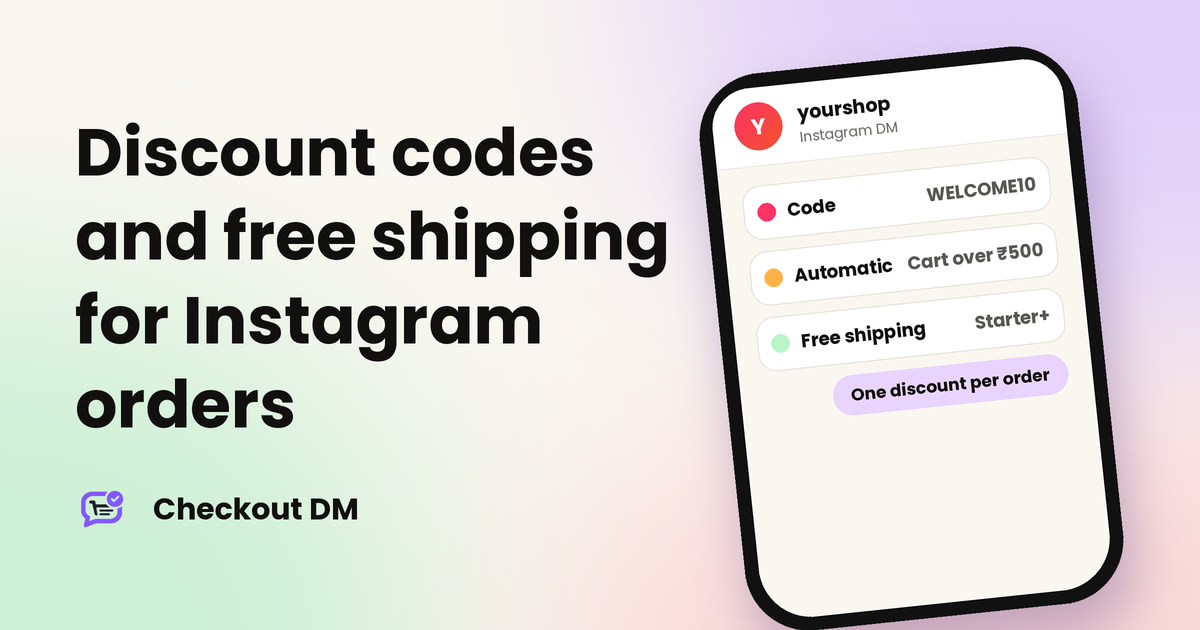
Discount rules are available on Growth and Pro. There are two ways a rule can reach a customer:
- A manual code is something the customer types in the DM, such as WELCOME10.
- An automatic offer applies on its own the moment a cart qualifies, with no code needed. For example, any cart above ₹500 could get the offer without the customer doing anything.
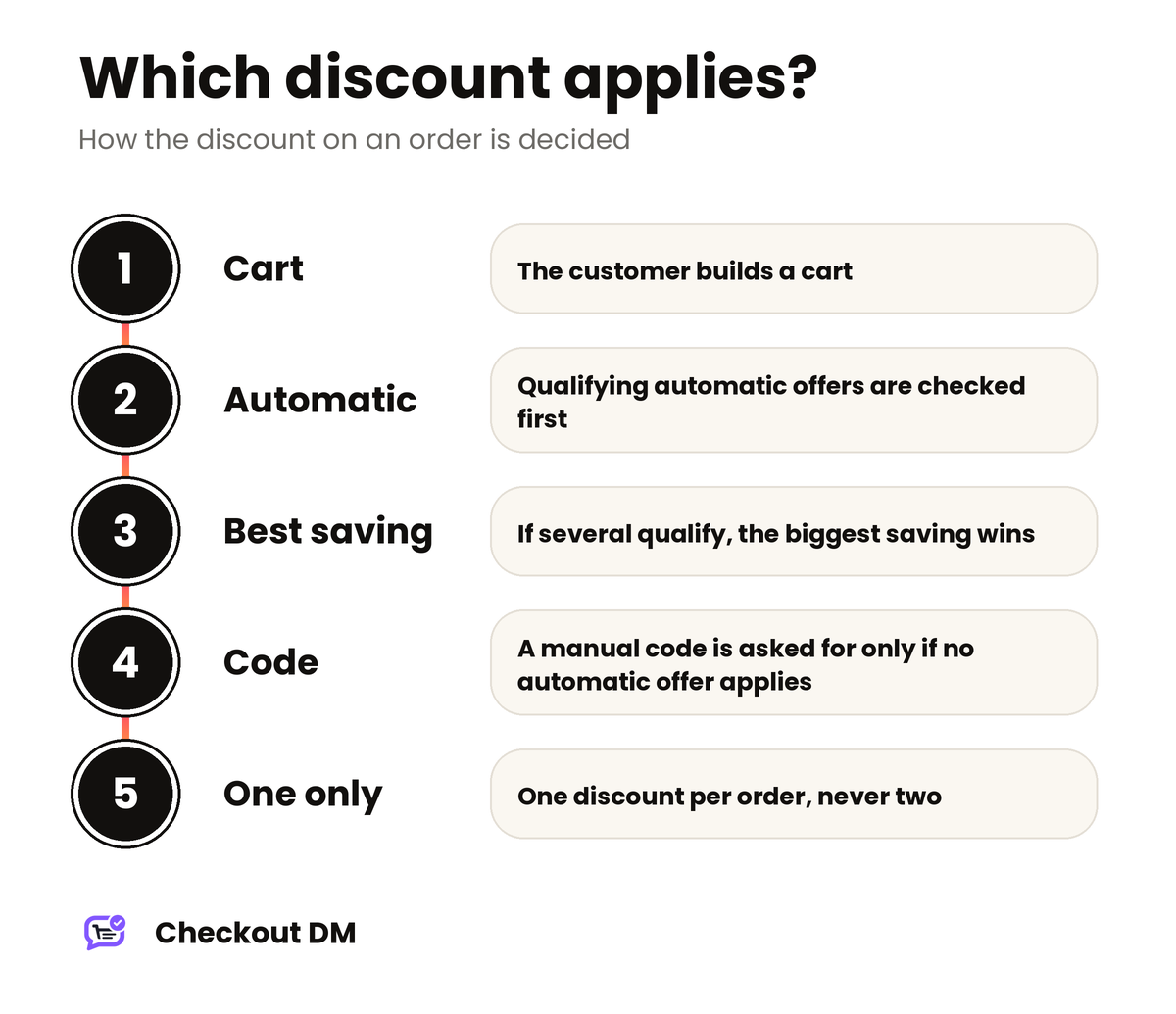
The same rule can be set up either way. If an automatic offer already covers the cart, the chat does not ask for a code. It prompts for a manual code only when no automatic offer applies and you have at least one active manual code.
Offers that end on their own
- Time-based offers have a start and an end time. The times you enter use your account’s timezone. Once the end time passes, the rule stops applying, even for customers who never used it.
- Count-based offers expire automatically after a set number of uses.
- Once per customer. After a customer redeems a rule, automatic or manual, it will not apply to their next order. You do not need to babysit codes to stop repeat use.
Growth and Pro can also show active coupons on the public catalog page, and you can feature up to three coupons at a time.
Which discount does the customer get?
This is the part that surprises sellers, so it is worth knowing:
- One discount per order. A single order can never combine two rules.
- Automatic offers win over manual codes.
- The biggest saving wins. If more than one automatic offer qualifies, the customer automatically gets whichever one saves them the most money, not whichever you created first.
- Avoid identical offers. If two active automatic offers would save exactly the same amount, only one applies, and which one is not guaranteed to be consistent.
A quick example: a ₹700 cart that qualifies for both a flat ₹100 off and 15% off would save ₹100 with one and ₹105 with the other, so the customer gets the 15% off.
Quantity-based offers on Pro
Pro adds quantity-based offers, such as Buy X, Get Y% Off. An automatic offer can require a minimum cart quantity in addition to a minimum order value. When both are set, the cart has to clear both conditions together. If a rule gives ₹100 off orders over ₹1,000 with a minimum quantity of 2, then a cart of three items worth ₹600 does not qualify, and neither does a single ₹1,200 item.
Using offers to answer “can I get a discount?”
Buyers often ask for a discount just before they pay. On Growth and Pro, if a customer tells the chat why they hesitated, for example by asking for a discount, that reason is shown to you in your Stuck tab. Combined with automatic recovery messages, as described in our guide to abandoned carts in Instagram DMs, you can see what holds buyers back and decide whether an offer is the right answer.
Related reading
Frequently asked questions
Which plans include discount codes in Checkout DM?
Automatic and manual coupons, time-based offers and count-based offers are on Growth and Pro. Quantity-based offers such as Buy X Get Y% Off are on Pro only.
Can I offer free shipping above a certain cart value?
Yes, on Starter, Growth and Pro. The shipping fee is waived automatically once the cart crosses the value you set, and it applies to every qualifying order.
Can a customer use two discounts on one order?
No. One discount applies per order. Automatic offers win over manual codes, and if several automatic offers qualify the customer gets the one that saves the most.
Can a customer use the same code again?
No. Once a customer has redeemed a rule, it does not apply to their next order, so you do not need to expire codes to stop repeat use.
Does a shipping fee apply on the Free plan?
Yes. A flat shipping fee is available on every plan that sells physical products, and you can set it to 0 for free shipping.