Selling through Instagram DMs feels simple at first. A customer asks the price, you reply, they send an address, you share your UPI details and the order is done. Then the messages double, and you find yourself copying the same replies, checking payments by hand and losing track of who ordered what.
Checkout DM is built to take that work off you. This page explains what it does, where it helps most and who it is not for, so you can decide whether it fits your shop.
1. The whole order happens inside the DM
A customer can browse your catalog, choose a size or variant, build a cart and enter a delivery address without leaving the Instagram conversation. Checkout DM then creates a secure checkout link in the same thread. You do not need a website or a separate app to take the order. For the full setup, see how to sell on Instagram without a website.
That matters more now that Instagram has moved its own checkout to websites. Our guide to how to sell in DMs now that Instagram checkout has ended explains why.
2. It starts from the way customers already reach you
Customers do not always start with a DM. They comment on a Reel, reply to a Story or send a keyword. Checkout DM can start a conversation from those triggers, so a comment such as a product keyword can lead straight to the right product card. See comment-to-DM orders and Story replies that sell for how those flows work.
3. Stock is tracked per size
Selling a size you do not have creates delays, apologies and cancellations. Checkout DM tracks stock per size, and sold-out sizes are not offered to the buyer. It is a quiet feature, but it removes one of the most common causes of refunds.
4. Payments go to your own account
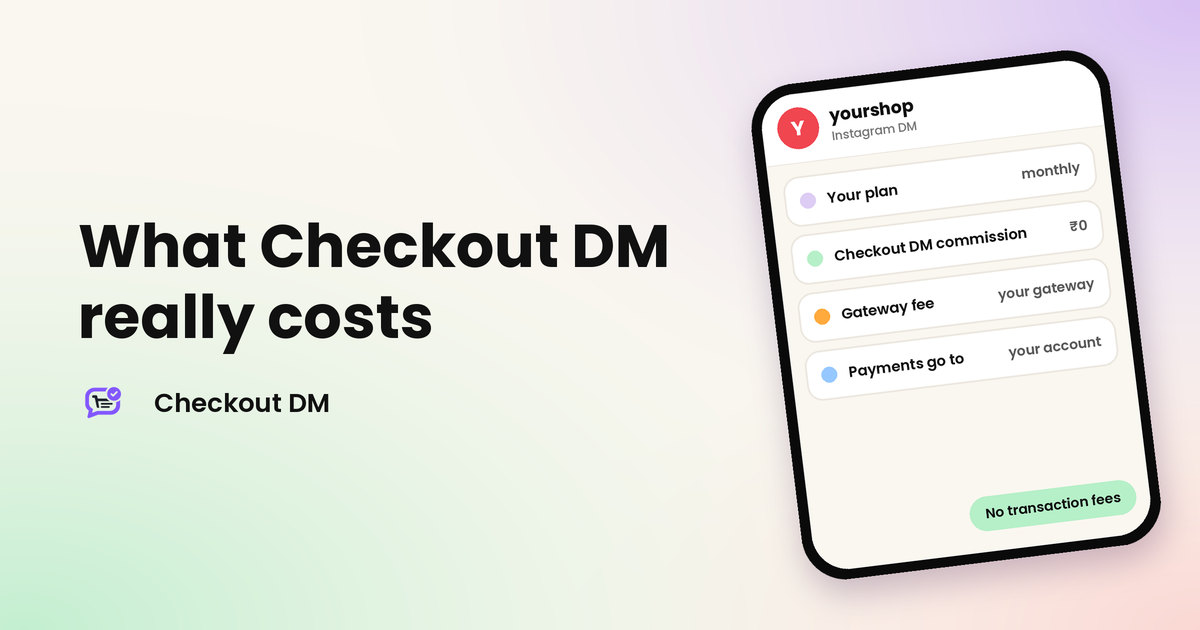
Buyers can pay through Razorpay, Stripe or PayPal, or by manual UPI, QR code or bank transfer. The money goes to your own account, and Checkout DM does not take a commission or transaction fee on your orders. A payment gateway charges its own fee, so compare it with the time you spend checking payments yourself.
A connected gateway confirms payments automatically, which avoids the fake screenshots described in our guide to avoiding fake UPI payment screenshots. Manual payments are confirmed by you.
5. Orders, returns and shipping in one place
Orders, returns and your catalog are managed from one dashboard. Buyers can request a return directly in the DM, and shipping works with Shiprocket and Shippo. Instead of searching through chats and screenshots, you can see what was ordered, what was paid and what has shipped.
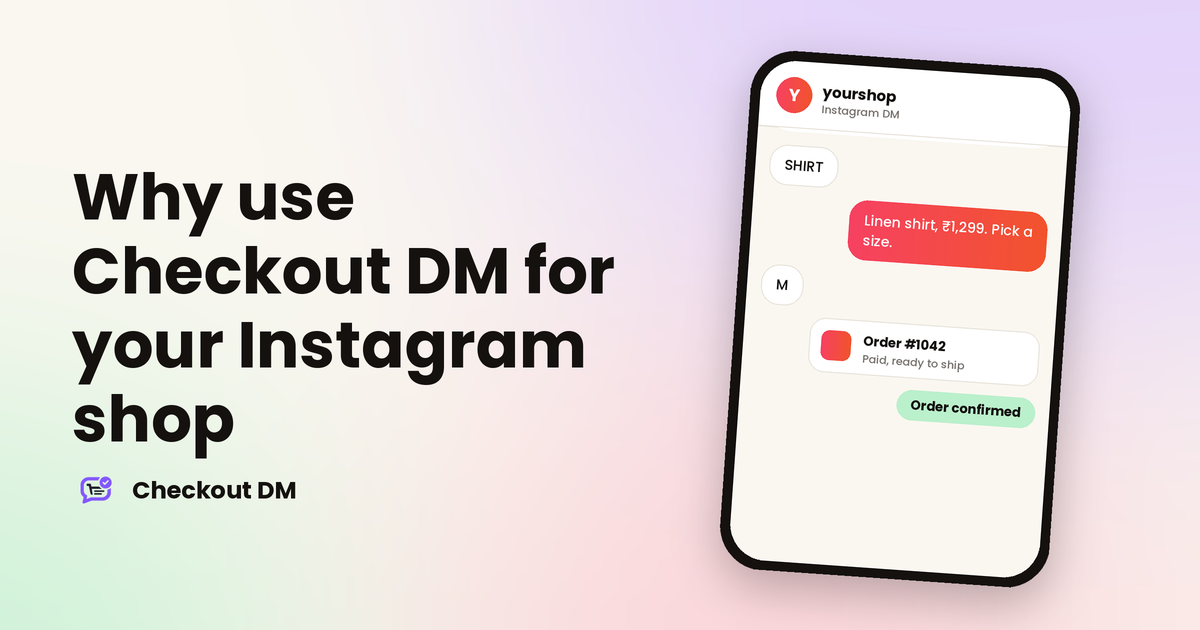
yourshop
Instagram DM
SHIRT
Here is the linen shirt, ₹1,299. Pick a size: S, M or L.
M
Great! Please share your delivery address and I will send the payment link.
After payment
Payment received. Your order is confirmed!
6. Digital products are delivered automatically
If you sell templates, guides or other digital products, Checkout DM can deliver them through a secure link after payment, so you are not sending files by hand at midnight. Our guide to selling digital products on Instagram covers the whole flow.
7. A storefront link that works anywhere
Checkout DM is Instagram-first, but you are not limited to Instagram. Your Storefront is a web link where anyone can buy your digital or physical products. You can share it on YouTube, WhatsApp, Telegram, Facebook chats, comments and groups, or on any website.
8. Pricing that does not punish a busy week
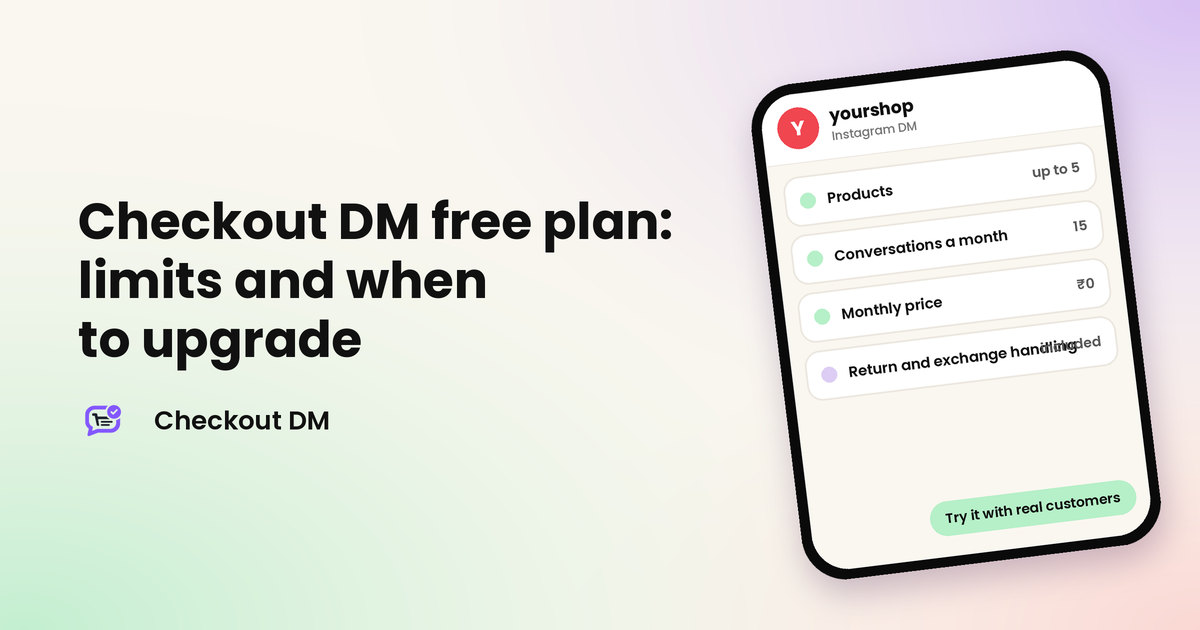
There is a free plan with 5 products and 15 customer conversations a month, so you can try a real checkout first. Paid plans are flat monthly tiers with unlimited conversations, so a busy week does not change your bill. Higher plans add things such as delivery status updates, coupons, abandoned cart recovery, analytics and team members. Check the pricing page for what each plan includes.
Who it suits, and who it does not
| Checkout DM suits you if | Another tool may suit you better if |
|---|---|
| You sell mostly through Instagram DMs | You mainly run marketing across WhatsApp, Messenger and other chat channels |
| You want the catalog, payment, orders and returns in one place | You need highly custom conversation flows and funnels |
| You do not have a website, or do not want to maintain one | Your store already runs on a full e-commerce platform that handles everything |
| You sell products or digital downloads to customers in India or abroad | Selling products is not your main goal |
Our ManyChat comparison goes through the differences in more detail, and the feature comparison shows what each tool builds in.
How to try it without committing
- Connect your Instagram Business account through Instagram’s official login. Your password is never shared.
- Add one product with its sizes and price.
- Place a test order from a second Instagram account, exactly as a customer would.
- Look at the order in your dashboard and check that the payment and address are right.
- Decide whether it saves you time before you add the rest of your catalog or upgrade.
Related reading
Frequently asked questions
What does Checkout DM do?
It lets you sell inside Instagram DMs. Customers browse your catalog, choose sizes, give a delivery address and pay in the chat, and you manage orders, returns and shipping from a dashboard.
Do I need a website to use Checkout DM?
No. The catalog, cart, address collection and payment all happen in the DM, and the Storefront gives you a shareable web link if you also want to sell elsewhere.
Does Checkout DM take a commission on my sales?
No. Checkout DM does not charge a commission or transaction fee on your orders. If you use a payment gateway, the gateway charges its own fee.
Is there a free plan?
Yes. The Free plan includes 5 products and 15 customer conversations a month, so you can try a real checkout before choosing a paid plan.