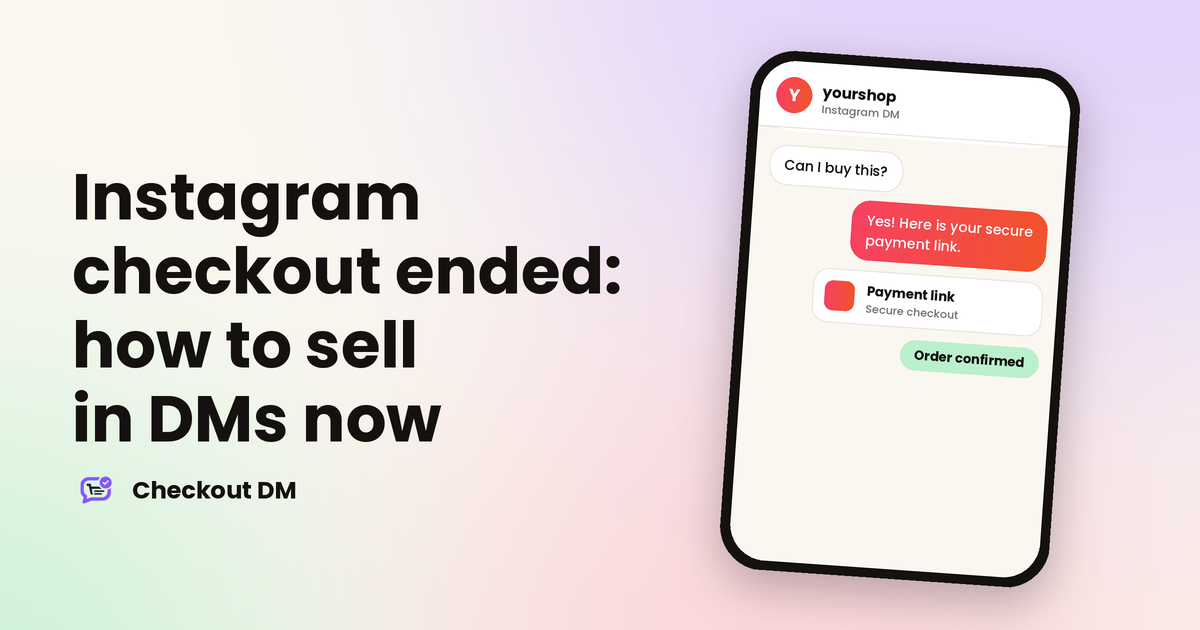
If you ever tagged products on Instagram and hoped customers would pay without leaving the app, that option is gone. Meta moved Shops away from checkout on Facebook and Instagram, and buyers who tap to buy are now sent to a seller’s own website to pay.
This guide explains what Meta changed, what did not change, and the options a small seller has now. If most of your sales happen in DMs, the news is less dramatic than it sounds, but it is worth checking that your payment route still works.
What Meta changed
Meta announced in June 2025 that Shops would gradually switch from checkout on Facebook and Instagram to website checkout. Meta’s help pages now state that Shops on both platforms use website checkout. Customers still discover products on Instagram, but they finish the purchase on the seller’s own site.
Several things that depended on in-app checkout went with it:
- Payments inside the app. You can no longer take transactions inside your Shop on Instagram.
- Order management in Commerce Manager. For new orders, Meta no longer shows order status or lets you manage orders in bulk there.
- Disputes. Meta no longer offers chargeback or dispute resolution for Shops, so your payment provider handles them.
- Some ad metrics. Events tied to Meta’s own checkout, such as purchases completed on Instagram, are no longer tracked once a Shop switches.
What did not change
- People still message businesses. DMs, Story replies and comment replies work as before.
- Product tags still point customers to you. They now lead to a website rather than an in-app payment screen.
- You can still take payment through a link. Anything outside Instagram’s own checkout, from a payment link to a bank transfer, is unaffected.
In other words, Instagram remains a place where customers find you and talk to you. It stopped being a place where they pay. That is why the quality of your DM-to-payment route matters more than it used to.
Does this affect you?
It depends on how you sell today.
- You use a Shop with product tags. Check that your Shop has a working checkout link on your own website. Without one, tagged products have nowhere useful to send buyers.
- You sell through DMs and comments. Your sales path did not break, but you still need a clean way to collect the order details and the payment.
- You have no website. You are not stuck, because several options below work without one. See also our guide to selling on Instagram without a website.
Four ways to get paid now
| Option | How it works | Best for |
|---|---|---|
| Your own website checkout | Customers tap a link and pay on your store | Sellers who already run a website and a full catalog |
| A payment link in the DM | You send a link for one order and the buyer pays there | A handful of orders a week |
| Checkout inside the chat | The catalog, cart, address and payment happen in the conversation | Sellers who get many DMs and want less typing |
| A shareable storefront link | One web link that works on any platform, not only Instagram | Sellers who also sell on YouTube, WhatsApp or Telegram |
Each option has a cost. A website needs setup and upkeep. Single payment links need you to create and track each one by hand. Chat checkout and storefront links need a tool, but they save the most time once your volume grows.
Choose a payment route that confirms itself
Whichever route you pick, think about how you will know that a payment really arrived. A payment gateway confirms payments automatically, while manual UPI or bank transfers need you to check your own account. Our guides on UPI versus a payment gateway and avoiding fake payment screenshots cover the trade-offs, and taking payments on Instagram in India lists every option.
yourshop
Instagram DM
Is the green kurta available in M?
Yes! M is in stock. It is ₹1,499 with free delivery. Shall I send the payment link?
Yes please
Here is your secure payment link. I will confirm your order as soon as it goes through.
How Checkout DM fits in
Checkout DM is Instagram-first and is built for this situation. The catalog, size choice, cart, delivery address and payment all happen inside the DM, so there is no website to build. Buyers can pay through Razorpay, Stripe or PayPal, or by manual UPI, QR code or bank transfer that you confirm. Payments go to your own account, and Checkout DM does not take a commission on your orders.
Checkout DM also gives you a Storefront, a website link you can share on YouTube, WhatsApp, Telegram, Facebook or any website, so customers who never open Instagram can still buy your digital or physical products. Our guide to selling on Instagram without losing DM orders shows how the whole flow works.
A short checklist for this week
- Test your own route. Place an order from a second Instagram account and see exactly what a customer sees.
- Check where payments land. Make sure you know which account receives the money and how you will confirm it.
- Keep your own records. Meta no longer manages orders for new Shop orders, so note each order, payment and shipment yourself or in your tool.
- Plan for disputes. Find out how your payment provider handles a chargeback.
- Update your bio and replies. Tell customers how to order and pay, in one clear sentence.
Related reading
Frequently asked questions
Can customers still buy inside Instagram?
Not through Instagram’s own checkout. Meta states that Shops on Facebook and Instagram now use website checkout, so buyers are sent to the seller’s website to pay. You can still sell through DMs and payment links.
Do I need a website to sell on Instagram now?
Not necessarily. A website is one option, but you can also take orders and payments through payment links, chat checkout or a shareable storefront link, depending on the tool you use.
Who handles chargebacks and disputes now?
Meta no longer offers chargeback or dispute resolution for Shops. Your payment provider or bank handles disputes, so check how yours works before you need it.
Does Checkout DM need a website?
No. Checkout DM runs the catalog, cart, address collection and payment inside the Instagram DM, and its Storefront gives you a shareable web link if you also want to sell elsewhere.