If you search for how to sell on Instagram, most guides point you to a store builder such as Shopify. That is good advice for some sellers, but it is not a requirement. Plenty of small shops take orders, collect addresses and get paid without ever building a store. This guide covers four ways to do it, what each costs and what you give up compared with a full online store.
Why people think they need Shopify
A store builder gives you a website, a catalog, a cart and a checkout in one place, and it can feed your products to social platforms. That solves a real problem if you want a branded website. But if most of your customers already message you on Instagram, a website is an extra step between a customer who is ready to buy and your payment. For a longer comparison, including where Shopify is the stronger choice, read our guide to Checkout DM versus Shopify.
Option 1: take orders by hand in your DMs
This is how most sellers begin. A customer messages you, you share the price and sizes, you send your UPI details or bank account, you ask for an address and you note everything down. It needs no tools and costs nothing. The limits show up as you grow: orders live in a chat scroll, replies depend on you being awake, and it is easy to lose track of who paid. It is a fine way to prove that people want your product, and a hard way to handle your fiftieth order of the week.
Option 2: use a DM checkout tool
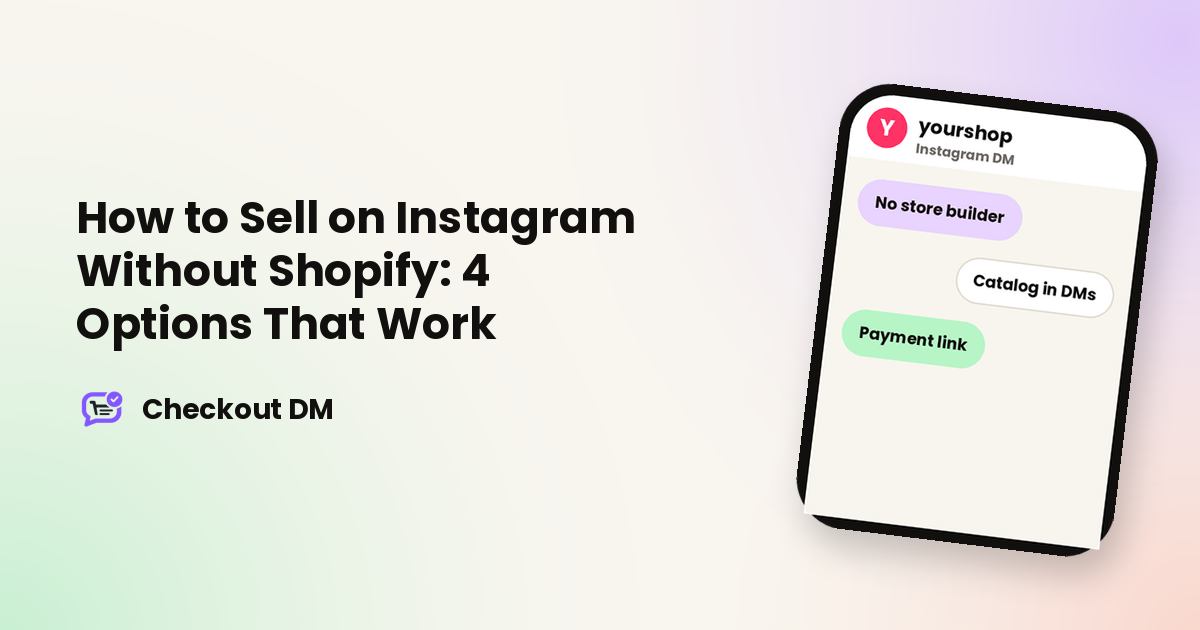
A DM checkout tool automates that same conversation. With Checkout DM, a customer messages your Instagram account, and the bot shows your catalog with photos, prices and sizes. It collects the delivery details, sends a payment link or your manual payment details and records the order in a dashboard. Everything happens inside the chat, so the customer never leaves Instagram and you never build a store.
Setup is short. You connect your Instagram account through Instagram’s official login, add your products and choose how you want to be paid. The Checkout DM site says a store can be live in about five minutes. You can see how each part works in our guide to automating sales on Instagram.
Option 3: share a catalog link
Some customers like to browse before they message. Checkout DM’s Public Catalog Page gives you one shareable link, in the form checkoutdm.com/store/ followed by your Instagram username, which you can put in your bio or a WhatsApp status. Customers browse your products and add them to a cart, and the order still finishes in your DMs. It is available on Creator and above. Our guide to when the Public Catalog Page updates explains how it stays current.
Option 4: sell on a marketplace
Marketplaces let buyers find you without you building an audience, which is their big advantage. The trade-off is that they charge fees on each sale. Etsy, for example, charges a listing fee and a percentage transaction fee on every order. If you would rather keep that money, selling through your own Instagram audience avoids per-sale marketplace fees. We compare the numbers in how to sell without Etsy fees.
What a DM checkout costs
Checkout DM has five plans and takes no commission and no transaction fee on your orders. Payments go straight to your own account, so you pay for the plan, not for each sale.
| Plan | Monthly price | Best for |
|---|---|---|
| Free | ₹0 ($0) | Trying DM selling with real customers, with 5 products and 15 conversations a month |
| Creator | ₹499 ($9) | Digital products and affiliate links |
| Starter | ₹1,499 ($19) | Sellers who sell every day and need unlimited conversations |
| Growth | ₹2,899 ($39) | Turning commenters into customers, with coupons and automatic cart recovery |
| Pro | ₹6,499 ($69) | Large catalogs and teams |
If you use a payment gateway such as Razorpay, the gateway charges its own fee, as it would on any platform. UPI, a QR code or a bank transfer work from the Free plan if you would rather confirm payments yourself. The full breakdown is in Checkout DM pricing and plans explained.
What you give up without a store builder
- A branded website with your own domain. Checkout DM does not build one.
- Themes, a blog and design control. Those belong to store builders.
- A marketplace of third-party apps. Checkout DM’s features are built in rather than added on.
- Selling on several channels from one catalog. Checkout DM is Instagram-first.
In exchange, you skip building and maintaining a store. Product pages that Google can index are included on the Pro plan, but if ranking on Google is your main goal, a website is still the right tool. Many sellers start with DMs and add a website later. Starting without one does not close that door. Our guide to selling on Instagram without a website covers when a website starts to make sense.
A simple plan to start this week
- Choose five to ten products and write clear names, prices and sizes.
- Take one bright photo of each. Photos should be JPG files under 1 MB.
- Connect your Instagram account and add the products to your catalog.
- Decide how you will be paid. Manual UPI works from the Free plan, and a gateway confirms payments automatically.
- Place a test order from a second Instagram account before you tell anyone it is live.
Related reading
Frequently asked questions
Can I sell on Instagram without Shopify?
Yes. You can take orders by hand in your DMs or use a DM checkout tool such as Checkout DM, which handles the catalog, delivery details and payment inside the chat.
Do I need a website to use Checkout DM?
No. Your Instagram profile is your storefront. A shareable Public Catalog Page is available on Creator and above if you also want a browsing link.
Does Checkout DM charge a commission on my sales?
No. Checkout DM takes no commission and no transaction fee on orders. You pay the plan price, and your payment gateway charges its own fee if you use one.
Can I start without paying anything?
Yes. The Free plan includes 5 products and 15 customer conversations a month, and manual UPI, QR and bank transfer payments work on it. No card is needed.
When should I add a website?
When you want to be found through Google searches, sell hundreds of products with advanced filtering or sell across several channels. Many sellers keep DM checkout alongside a website.