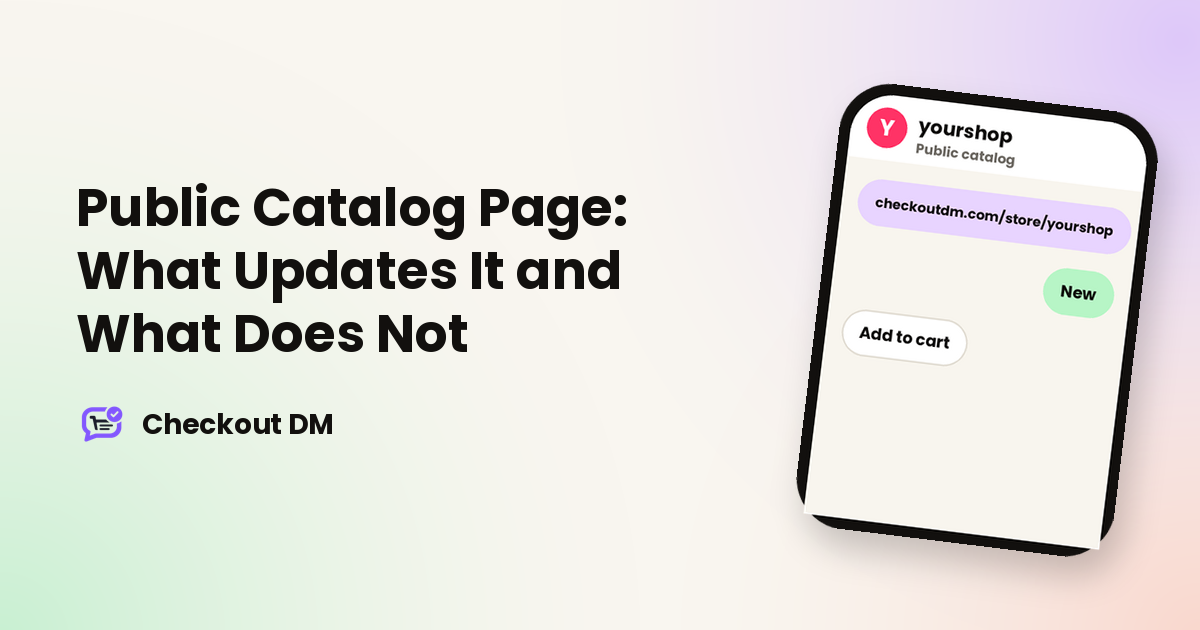
The Public Catalog Page gives you one link to your whole catalog, which you can post in your Instagram bio, a WhatsApp status or a Linktree. Customers can browse your products, add them to a cart and pay right on the page, or message you on Instagram and order through the DM checkout. The detail that trips people up is that the page is a saved snapshot, not a live view. This guide explains when the snapshot updates.
Your link and who gets it
The page lives at checkoutdm.com/store/ followed by your Instagram username, the same username connected to your account, so there is nothing extra to set up. It is available on Creator and above. On the Free plan, the toggle is not shown, and the link returns nothing even if someone guesses the address. To publish it, switch on the toggle on the card at the top of your Catalog screen. Turning it on for the first time builds the snapshot immediately, so the page is live with current data straight away.
What a snapshot means
A background job pre-builds a single saved copy of your store: products, pricing and, depending on your plan, branding, social links and active discounts. Every visitor sees that saved copy, which is what keeps the page fast under heavy traffic. The trade-off is that changes in your dashboard do not appear until something rebuilds the snapshot. There is no timer that refreshes it by itself.
What shows on each plan
The snapshot only includes what your plan is entitled to, decided at the moment it is built.
| Plan | What the page includes |
|---|---|
| Creator | Digital products (name, price, description, main photo, category) with extended descriptions and FAQs on a basic storefront. No business address footer, extra photos or coupons. |
| Starter | Everything in Creator, plus physical products, 1 extra photo per product (2 in total with the main image) and your business address in the footer. |
| Growth | Everything in Starter, plus a second extra photo (3 in total), your social media links and any active coupons or discounts. |
| Pro | Everything in Growth, plus a third extra photo (4 in total), your logo, footer tagline, website link and phone number in the footer. |
What rebuilds the snapshot
- Adding a product: always rebuilds, whether you add one at a time or use Pro’s bulk photo upload.
- Deleting a product: always rebuilds.
- Editing a product: rebuilds only if the price or the main photo changed. Editing just the name, the description or a Pro merchant’s additional photos does not rebuild it on its own.
- Turning the toggle on: rebuilds once, at the moment you switch it from off to on.
- Turning the toggle off or changing other settings: rebuilds nothing, because the page stops serving once it is off.
The New badge
A product shows a New badge for exactly 14 days from the date it was first added to your catalog, not from the last time you edited it. Unlike everything else on the page, the badge is calculated fresh in the visitor’s browser each time the page loads. It therefore disappears on schedule even if the snapshot has not been rebuilt for a month, and you never need to trigger a rebuild to remove an old badge.
Coupons on the page
Coupons show on the page on Growth and Pro. They are saved into the snapshot like products, so creating, editing, deleting or toggling a coupon does not rebuild it by itself. A brand-new coupon will not appear until the next rebuild happens for another reason. A time-based coupon that has expired can also keep showing as active until then, because its expiry is only checked when the snapshot is built. It is still rejected if a customer tries to use it at checkout in DMs. Our guide to discount codes and free shipping for Instagram orders covers how coupons work.
If the page shows nothing
A blank page or a 404 usually means one of two things: the toggle is off, or your plan does not include the feature (the Free plan). Check the toggle on your Catalog screen first.
The Public Catalog Page is one way to let people see your products before they message you. If you do not have a website at all, our guide to selling on Instagram without a website shows how the pieces fit together.
Related reading
Frequently asked questions
Where is my Public Catalog Page?
At checkoutdm.com/store/ followed by your connected Instagram username. Switch it on from the toggle at the top of your Catalog screen.
Is the Public Catalog Page available on the Free plan?
No. It is available on Creator and above. On Free the toggle is not shown and the link returns nothing.
Why is my product edit not showing on the page?
Editing a product only rebuilds the snapshot if the price or main photo changed. Changes to the name, description or additional photos alone do not rebuild it.
How long does the New badge last?
14 days from when the product was first added, calculated live in the visitor’s browser.
Can customers check out on the page?
They can browse and add products to a cart, but every order still finishes inside your Instagram DMs.