The cheapest sale is usually the next one from a customer who has just bought from you. They know your shop, they have paid, and they are reading your emails about their order. Cross-sell suggestions use that moment: they show related products inside the order confirmation and shipping emails, so a one-time buyer sees what else they might want.
This guide explains how Checkout DM’s cross-sell suggestions work, how to switch them on and how to get more from them. The feature is available on the Pro plan.
What the feature does
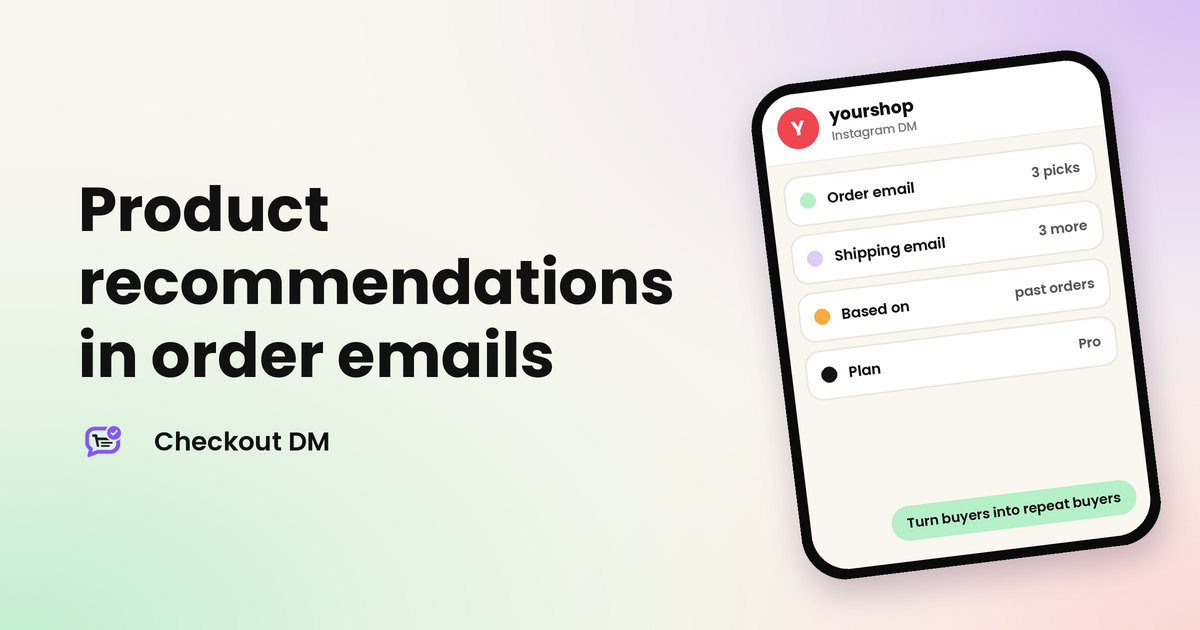
- In the order confirmation email, Checkout DM shows 3 related products.
- In the shipping email, it shows 3 different ones.
- The suggestions come from your own order history. They are based on what other customers have bought together, so you do not build or maintain a list by hand.
- Each suggestion shows the product picture, title and price.
Two emails means two chances. The first reaches the customer right after payment. The second arrives when the parcel ships, when customers are checking on their order.
How suggestions are chosen
Checkout DM looks at past orders for pairings. For example, if customers who bought a kurta set often bought a dupatta in the same period, a new kurta set buyer may see the dupatta suggested. The suggestions are not guesses from a product description. They follow what your own customers have actually bought together.
That has a practical consequence. A new shop with few orders has little to learn from, so the suggestions grow more useful as your order history grows. When there is nothing suitable to suggest, the email goes out without that section instead of showing an empty box.
How to turn it on
- Make sure you are on the Pro plan. On other plans the setting is shown as locked, with a link to upgrade.
- Open the Profile section of your dashboard and find Cross-sell suggestions.
- Choose Show suggestions. The setting is off by default, so it only starts after you choose it.
- Place a test order from a second account and read the confirmation email to see what a customer sees.
You can switch it off again at any time by choosing Off, which means never show cross-sell suggestions.
How it fits with your other emails
Cross-sell is one part of the messages a customer receives after buying. The order confirmation email comes first, with its 3 suggestions. The shipping email follows, with 3 different ones. On Growth and Pro you can also send a post-delivery review request after a number of days you choose. Together they keep your shop in front of the customer from payment to delivery and beyond, without you writing each message. Because each email shows different products, a customer who ignores the first set may still find something in the second.
Who gets the most from it
- Sellers whose products pair naturally, such as clothing with accessories, skincare routines or matching sets.
- Shops with repeat-buying customers, where a second order within weeks is realistic.
- Catalogs with enough products for related items to exist.
If you sell one product that people buy once, there is little to pair, and the feature will do less for you.
How to get more from it
- Keep your catalog complete. Clear names, accurate prices and good photos make each suggestion look worth a click. Our catalog tips help.
- Create natural pairings. Sell items that go together, such as a top and a matching accessory, so the pairings in your order history are strong.
- Keep stock up to date. Nobody wants to be shown something they cannot buy.
- Pair it with an offer. Pro includes quantity discounts such as Buy 2 Get 10% Off, which can make a second item more appealing.
- Make it easy to buy again. If your Storefront is enabled and the storefront link setting is on, your emails can link customers to it.
How to tell whether it works
Look at repeat purchases over time. The Customers tab shows each customer’s order history, so you can see who returns, and analytics on Growth and Pro show revenue and conversion. Compare a few weeks before and after you turn the feature on, and change one thing at a time so you know what made the difference. See what every number in Checkout DM analytics means.
Is Pro worth it just for this?
Probably not on its own. Pro costs ₹6,499 a month ($69) and is built for larger catalogs and teams: up to 10,000 products, three team members, Google-indexable product pages, bulk photo upload and more. Treat cross-sell as one benefit of the plan rather than the reason to buy it. Our guide on which Checkout DM plan to choose and the full Pricing page help you decide.
Related reading
Frequently asked questions
What are cross-sell suggestions in Checkout DM?
On the Pro plan, Checkout DM shows 3 related products in the order confirmation email and 3 different ones in the shipping email, based on what other customers have bought together.
Which plan includes cross-sell suggestions?
Only the Pro plan. On other plans the setting appears locked, with a link to upgrade.
Do I choose the suggested products myself?
No. Suggestions come from past order pairings in your own shop, so you do not maintain a list by hand.
Are cross-sell suggestions on by default?
No. The setting is off by default. On Pro, open the Profile section of your dashboard and choose Show suggestions to turn it on.
What if there is nothing to suggest?
When there is nothing suitable to suggest, the email is sent without that section. Suggestions get better as your order history grows.