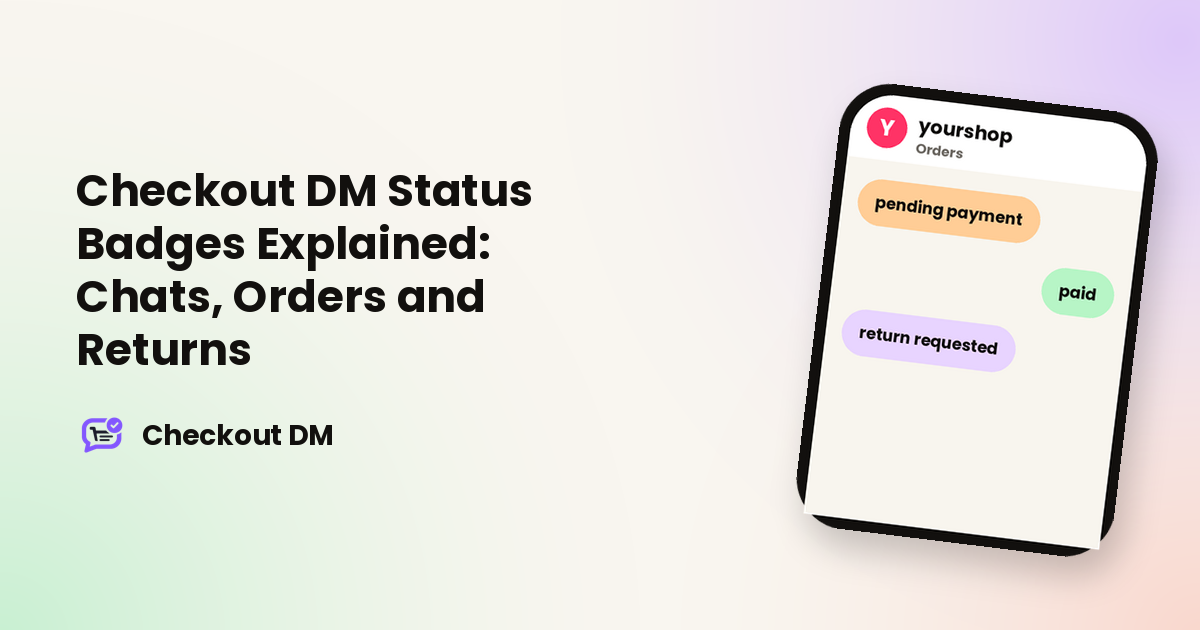
The colored badges in your Chats, Orders, Returns and Customer History tabs tell you what to do next at a glance. Mint generally means done, peach means waiting, and pink means it needs your attention. This guide explains the badges you will see most often. Tap any badge in the dashboard for a plain-English explanation of that specific status.
Order status
Order status tracks payment for a placed order. It appears in the Orders tab and in Customer History.
| Status | What it means |
|---|---|
| pending payment | The order exists but the customer has not paid yet. |
| awaiting manual payment | The customer chose to pay manually, by UPI ID or bank transfer, and has not confirmed payment yet. |
| pending manual verification | The customer says they have paid and uploaded a screenshot. It is in your queue for you to Confirm or Reject. |
| link failed | Checkout DM tried to create a Razorpay payment link and it failed. The customer cannot pay until this is fixed, so it needs your attention. |
| paid | Payment has been received and confirmed. This is a completed sale. |
| paid manual review | The customer reported paying manually and you confirmed it. It works the same as Paid. |
| rejected | The order was rejected, usually because a manually reported payment could not be verified. This is different from a rejected return. |
| returned | The whole order was returned and refunded, with every item covered. |
| partially returned | Some items were returned and refunded but not all. The rest of the order still stands. |
If you accept UPI or bank transfers, the pending manual verification status is the one to watch. Our guide to avoiding fake payment screenshots explains how to check them.
Chat status
Chat status appears in the Chats tab and shows where the bot is in a conversation. Most states simply say what the bot is waiting for. For example, awaiting product selection means the bot showed its menu or search results and is waiting for a pick, and awaiting payment means a payment link has been sent. There are also states for each detail the bot collects: size, quantity, name, phone, email for digital orders, country, state, city, PIN code and street address, as well as awaiting a coupon code and awaiting reuse confirmation, when a customer has saved details on file.
A few chat states call for a human:
- manual review: the bot got stuck, for example it could not understand a reply or hit an edge case, and handed the conversation to you. It needs a manual reply.
- blocked bot loop: the bot has permanently stopped replying to this customer because it detected an unusually high volume of messages in a short time. That is usually spam or an accidental loop, not a real order.
- awaiting support states: the customer asked to speak to a human, and the bot is confirming, asking why or asking for their Instagram handle before handing over.
These are the chats that appear in your Stuck tab. See the Stuck tab and Pause Bot for how to handle them.
Return and exchange status
Return status appears in the Returns tab. Requested means the customer asked to return an item and it is waiting for your decision. Approved means you approved it, stock is restocked automatically and the customer is notified. Return rejected means you declined it, and the customer is told along with your return policy. When only some items from an order are being returned, a Partial return tag appears next to the status.
Exchanges follow a similar pattern. Exchange requested means the customer asked to swap an item for a different size, and it can only be approved once the order is delivered. Exchanged means you approved it, and stock for the new size is swapped automatically, though you still ship the new item yourself. Exchange rejected means you declined it.
How the return window is counted
Your Return window, set in Profile, is the number of days a customer has to request a return. What it counts from depends on the order:
- Physical orders: once you mark the order Shipped, the window counts from your ship date plus a 2-day cushion for transit. Until you mark it Shipped, the customer can ask to cancel at any time, because no countdown is running.
- Digital orders: the window always counts from the order date, since nothing is shipped.
This is why two orders placed on the same day can show different return eligibility: the one you shipped sooner started its countdown sooner. For help writing the policy itself, see our guide to return policies for an Instagram shop.
Related reading
Frequently asked questions
What does pending manual verification mean?
The customer says they paid by UPI or bank transfer and uploaded a screenshot. It is waiting in your queue for you to Confirm or Reject.
What does link failed mean?
Checkout DM tried to generate a Razorpay payment link for the order and it failed. The customer cannot pay until it is fixed.
What is the difference between a rejected order and a rejected return?
A rejected order is usually a manual payment that could not be verified. A rejected return is a return request you declined.
When does the return window start?
For physical orders, from your ship date plus a 2-day cushion once you mark the order Shipped. For digital orders, from the order date.
What does blocked bot loop mean?
The bot permanently stopped replying to that customer after detecting an unusually high volume of messages in a short time, which usually means spam or an accidental loop.