The last weeks of the year are a busy time for buying. Black Friday, Christmas, New Year and many local festivals bring people to their phones, and many shops run a sale. A sale can bring in new customers and clear old stock. It can also leave you busy, tired and no better off.
The difference is planning. This guide covers a simple way to run a sale on Instagram that brings orders without eating your profit.
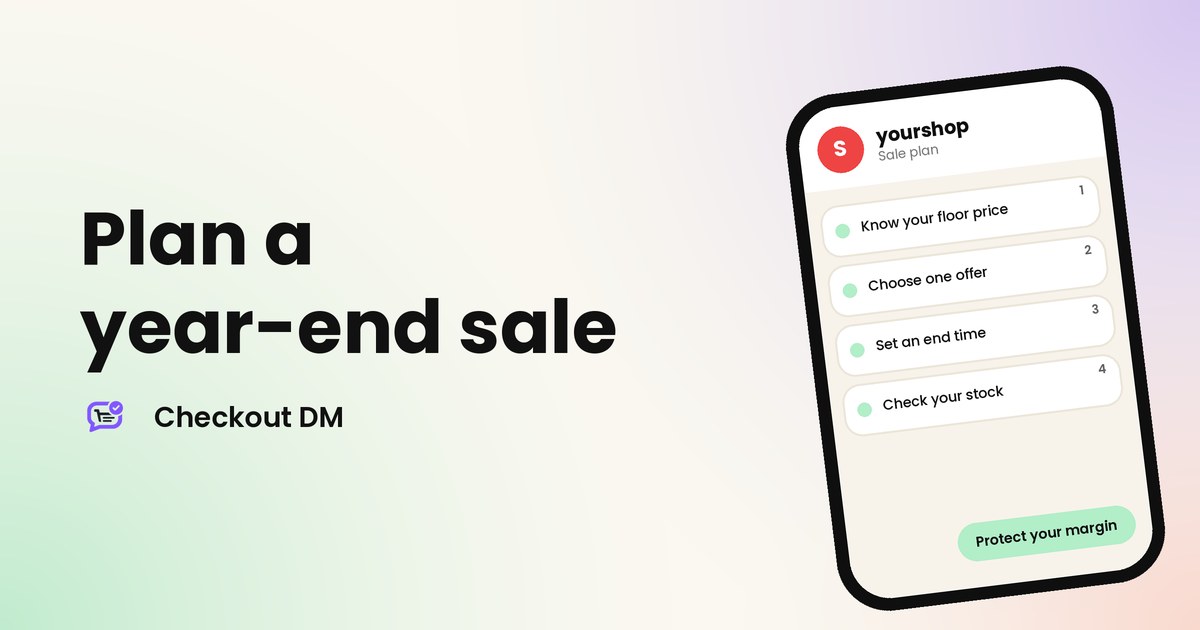
Step 1: Find your floor price
Your floor price is the lowest price at which a sale still earns you something. Add up everything that one order costs you:
- What you paid for or made the product, including materials.
- Packaging, such as a box, tape and a mailer.
- Shipping, if you pay for it, or the part of it you give up with free shipping.
- Payment gateway charges. Checkout DM charges no transaction fees, but your gateway may charge its own.
- A small allowance for returns and exchanges.
Your floor price is that total plus the smallest profit you would accept. Never discount below it. Our margin guide for pricing on Instagram shows how to work the numbers.
Step 2: See what a discount really costs
A discount comes straight out of your profit. Say a product sells for $20, and all your costs are $14. Your profit is $6. The same percentages work in any currency, including rupees.
| Discount | Sale price | Profit per order | Orders needed to earn the same |
|---|---|---|---|
| None | $20 | $6 | 1 |
| 10% off | $18 | $4 | 1.5 |
| 20% off | $16 | $2 | 3 |
A 20% discount cuts the profit to one third, so you need three times as many orders just to earn what you earned before. That is why a small discount on a few products usually works better than a large one on everything.
Step 3: Choose one offer
A single clear offer is easier to explain than three. These are the common types, and how Checkout DM handles them:
- Free shipping above a cart value. Customers add an item to reach it. This is available on Starter, Growth and Pro, and it applies automatically.
- A discount code. Customers type a code such as WELCOME10 in the chat. Discount rules are available on Growth and Pro.
- An automatic offer. It applies by itself when a cart qualifies, with no code. Growth and Pro again.
- A quantity offer. Buy more, save more, which is available on Pro.
Read how discount codes and free shipping work for the details, including which discount wins when several apply. In short, only one discount applies per order, and a customer can use a given offer once.
Step 4: Give the sale an end time
A sale with no end loses its power, because there is no reason to act today. Checkout DM lets offers run for a set time. A time-based offer has a start and an end time, and it stops applying when the end time passes, even for customers who never used it. Time-based offers use your account’s timezone. You can also limit an offer by the number of uses.
Step 5: Check your stock
- Count what you have and enter it in the catalog, so a sold-out size is not offered.
- Do not discount items you cannot restock if demand is higher than you expect.
- Plan packing and courier pickups for the busy days. See packing and shipping orders.
Sale ideas that protect your margin
- Bundle two products at a small saving, instead of cutting the price of each one.
- Add a free gift that costs you little but feels generous, such as a sample or a sticker.
- Reward early buyers, with a short window at the start of the sale, so that the best offer comes with a deadline.
- Sell down older stock first. Put the discount on items you want to clear, and keep your newest products at full price.
Step 6: Tell people
- Post a Reel with the offer and the end date.
- Use Stories with a countdown or a reminder on the last day.
- Add a comment keyword so that a comment starts the DM with the product. See turning Reels into sales.
- Share your Storefront link in your bio and WhatsApp status.
After the sale
- Look at orders, average order value and returns.
- Check whether new customers came back after the sale.
- Note which product and offer worked, and repeat only those.
Mistakes to avoid
- Discounting a product with a thin margin, where even 10% turns a profit into a loss.
- Running the sale for too long, so that customers learn to wait for the next one.
- Promising a discount in the DM before you have checked the stock.
- Changing the rules halfway through, which confuses customers and costs you trust.
Related reading
Frequently asked questions
How big should my Instagram sale discount be?
As small as still gets people to act. Check your floor price first, since a 20% discount on a 30% margin cuts profit to one third.
Can I set a sale to end automatically in Checkout DM?
Yes. A time-based offer has a start and an end time and stops applying when the end time passes. Discount rules are available on Growth and Pro.
Which plan do I need for free shipping above a cart value?
Starter, Growth or Pro.
Can a customer combine two offers?
No. One discount applies per order, and if several automatic offers qualify, the biggest saving wins.
Should I discount every product?
Usually not. Choose the products where you have margin and stock, and keep the offer simple.