In June 2026, Meta announced that its Business Agent, an AI that answers customer messages for a business, is being expanded to businesses of all sizes across WhatsApp, Messenger and Instagram. If you sell on Instagram, you may have seen the option, or heard that it makes tools like yours unnecessary.
That is not quite right. An AI agent and a checkout tool do different jobs, and many sellers will want both. This guide explains what Meta’s agent does, what it does not do and how to decide. We make Checkout DM, so we have been careful to say where the agent is useful.
What Meta says the agent does
According to Meta’s announcement, the Business Agent answers questions specific to your business, can respond in your customers’ local languages in your tone and can help customers find what they are looking for. Meta says getting started is free, and that in the coming months businesses will access it through paid subscription offerings. Other reports describe usage-based charges beyond a free allowance for some setups, so check the current terms in your own account.
Availability can also vary by country and account. Look for the option in your Meta business tools, and confirm that it is switched on for your Instagram account before you plan around it.
What an AI agent is good at
- Answering common questions. Opening hours, delivery areas, materials and similar questions can be answered at any hour.
- Catching messages you would miss. Overnight questions get a reply instead of waiting until morning.
- Speaking your customer’s language. Replies in local languages help when your audience is spread across regions.
- Saving you typing. The most repeated questions stop filling your inbox.
What a checkout tool does that an answering agent does not
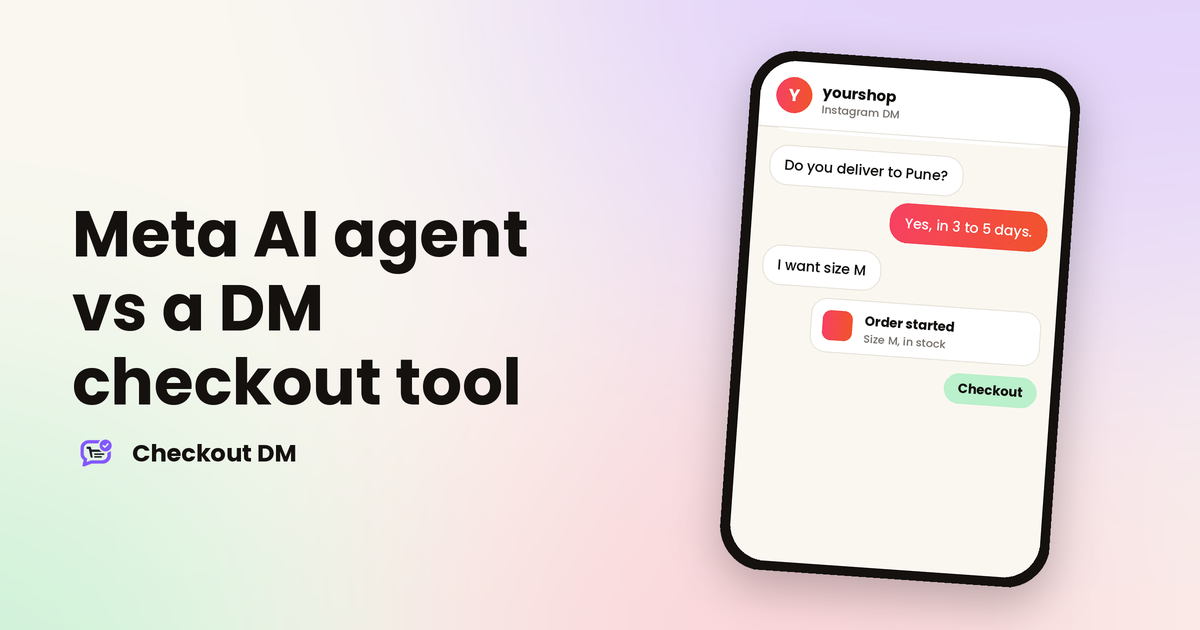
Answering a question is the start of a sale, not the end. After the answer, someone has to pick a size, check that it is in stock, collect an address, take payment, confirm it arrived and record the order. That is where sellers lose time and orders.
| Step in a sale | An answering agent | A DM checkout tool |
|---|---|---|
| Answer “do you have this?” | Yes, from the information you give it | Yes, from your live catalog |
| Offer only sizes that are in stock | Depends on what it knows | Stock tracked per size, sold-out sizes not offered |
| Collect the delivery address | Not its main job | Built into the order flow |
| Take payment | Not its main job | Razorpay, Stripe, PayPal, or manual UPI, QR and bank transfer |
| Confirm the payment | Not its main job | Automatic with a gateway, manual otherwise |
| Track orders, returns and shipping | No | One dashboard |
This table reflects how the two kinds of tool are designed. Meta may add commerce abilities to its agent over time, so check what it can do in your account today. The point stands: an agent that talks is different from a system that takes orders accurately.
The accuracy question
Meta notes that AI-generated messages may not always be accurate or appropriate. For a question about opening hours, a small error is easy to fix. For a price, a size, a delivery date or a return rule, an error costs money and trust.
That is why many sellers prefer to keep money-related steps, such as price, stock and payment, in a system that reads from one source of truth, and to keep the conversational layer separate. If you do use an AI agent, give it accurate information, test it with your real questions and check its answers regularly. Our guide to Instagram DM reply templates shows the kind of answers worth getting right.
How the two can work together
- Let the agent handle general questions, such as location, delivery areas and care instructions.
- Let your checkout tool handle the order, from product choice to payment.
- Keep one source of truth for price and stock, so the two never disagree.
- Keep a human in reach. Make it easy for a customer to reach you when the automation cannot help.
- Review conversations weekly to see which answers need fixing.
Before you connect any automation, it is worth knowing what Meta allows and how DM automation connects safely. And if you are weighing different tools, our feature comparison of DM tools shows what each one builds in.
A simple way to decide
| If you... | Consider |
|---|---|
| Get many repeat questions and few orders | An AI agent for answers |
| Get orders but lose time on sizes, addresses and payments | A DM checkout tool |
| Want both fewer questions and smoother orders | An agent for answers plus a checkout tool for orders |
| Are not sure | Try each on a small scale and watch what happens to your orders and your time |
Related reading
Frequently asked questions
What is Meta Business Agent?
It is Meta’s AI agent for businesses. According to Meta, it can answer questions about your business, respond in customers’ local languages and operate across WhatsApp, Messenger and Instagram.
Is Meta Business Agent free?
Meta says getting started is free and that paid subscription options will follow. Other reports describe usage-based charges beyond a free allowance in some setups, so check the current terms in your own account.
Can an AI agent replace a checkout tool?
They do different jobs. An agent answers questions. A checkout tool handles product choice, stock per size, address, payment and order tracking. Many sellers use both.
Does Checkout DM use AI to reply to customers?
Checkout DM runs the selling steps inside the chat, including the catalog, size choice, address, payment and returns, using the catalog and rules you set. You can take over any chat from Starter upward when a customer needs you.