Every Instagram seller knows the chat: the customer says yes, and then you spend ten messages getting a name, a phone number and an address, often with a missing PIN code. Each message is a chance for the customer to drift away, and a half-written address is a chance for a failed delivery. Checkout DM collects those details step by step inside the conversation. This guide explains what it asks for, in what order and how you can correct a detail afterwards.
The details the bot asks for
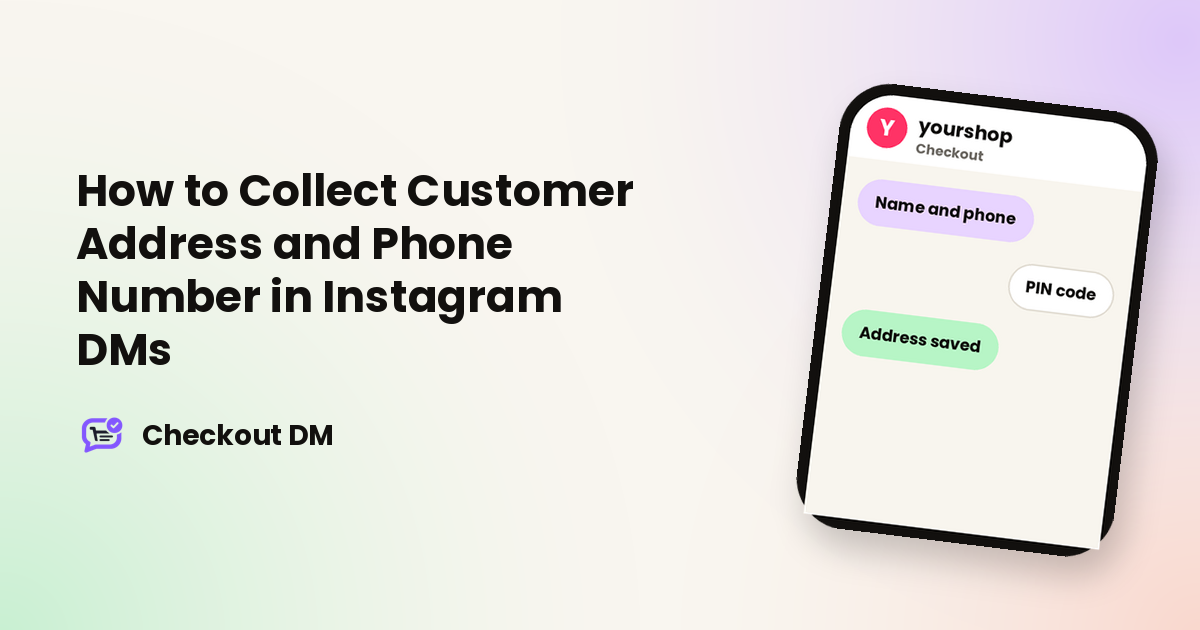
After a customer chooses a product, the bot moves through the order one question at a time. Depending on the order, it asks for:
- Size and quantity, if the product has sizes or more than one unit is available.
- Name of the person receiving the order.
- Phone number.
- Email address for digital orders, where the file link is delivered after payment.
- Country, state and city, then the PIN code and the street address for physical orders.
- A coupon code, if your plan supports coupons and the customer has one.
Each of these has its own step in the conversation, which you can see on the Chats tab as the customer’s current state, such as waiting for a phone number or waiting for a PIN code. Asking one thing at a time is easier on the customer than a long form, and you do not have to type a single question yourself.
Returning customers do not start over
When a customer has ordered before, Checkout DM can ask whether they want to reuse the details it already has on file. This is a separate step in the chat, called waiting for reuse confirmation in the dashboard. A repeat buyer confirms with a tap instead of typing everything again, which shortens the path to payment for the customers who are most likely to buy.
Where the details end up
Once the order is placed, the customer’s details are saved against them in the Customers tab. There you can see their name, phone, email and delivery address, how many orders they have placed and how much they have spent in total. The address shown is their most recent delivery address. If they order again with a new address, it updates to the latest one. It is not a history of every address they have ever used.
Order confirmation and return decision emails go to the email address, when one was collected. Every plan sends order and return emails to your customers.
Fixing a mistake after the order
People mistype phone numbers and addresses, and sometimes they message you afterwards to change them. In the Customers tab you can manually correct a customer’s name, phone, email or address. This is also useful before you ship: a quick look at the Orders tab and the customer’s record tells you whether everything you need is on file. Our guide to managing Instagram orders without a spreadsheet walks through that routine.
Paying and shipping come next
After the details are collected, the customer is sent payment details. With a gateway connected, they pay through a secure link, and with manual payment they pay by UPI, QR code or bank transfer and send a screenshot for you to confirm. You then mark the order as shipped on Starter and above, which also starts the customer’s return window. If you use Shiprocket or Shippo, see how to auto-ship Instagram orders.
What if a customer wants a person instead
Some customers prefer to type their address to a human. They can ask for a person at any point, and the chat lands in your Stuck tab on Starter, Growth and Pro, so you can take over. Our guide to the Stuck tab and Pause Bot covers how to step in without the bot talking over you.
Setting it up
- Connect your Instagram account and add your products to the catalog.
- Choose how you want to be paid, manually or through a gateway.
- Place a test order from a second Instagram account and answer every question as a customer would.
- Open the Customers tab afterwards and check that the details were saved the way you expect.
You can read the full list of chat states, including each detail the bot waits for, in our guide to Checkout DM status badges.
Related reading
Frequently asked questions
What does the Checkout DM bot ask customers for?
Size and quantity where relevant, then name, phone number and, for physical orders, country, state, city, PIN code and street address. Digital orders also ask for an email address, and coupons are asked for if your plan supports them.
Do returning customers have to retype their address?
No. The bot can ask whether they want to reuse the details already on file, so a repeat buyer confirms with a tap.
Can I correct a customer’s address after they order?
Yes. In the Customers tab you can manually correct a customer’s name, phone, email or address.
Does the Customers tab keep every address a customer has used?
No. It shows their most recent delivery address, which updates if they order again with a new one.
What if the customer would rather talk to a person?
They can ask for one at any time. The chat lands in your Stuck tab on Starter, Growth and Pro so you can take over.