Returns are where many small Instagram shops lose time. A customer messages that the size is wrong, you ask for the order number, then for the item, then for a photo, and the whole thing lives in a long chat that is hard to search later. Checkout DM moves the repetitive part of this into a structured flow, so the request arrives in your dashboard with the details already attached.
This article explains how that flow works, what you still do yourself and where the limits are. It describes the product as it behaves today, including the parts that stay manual.
How a return request works
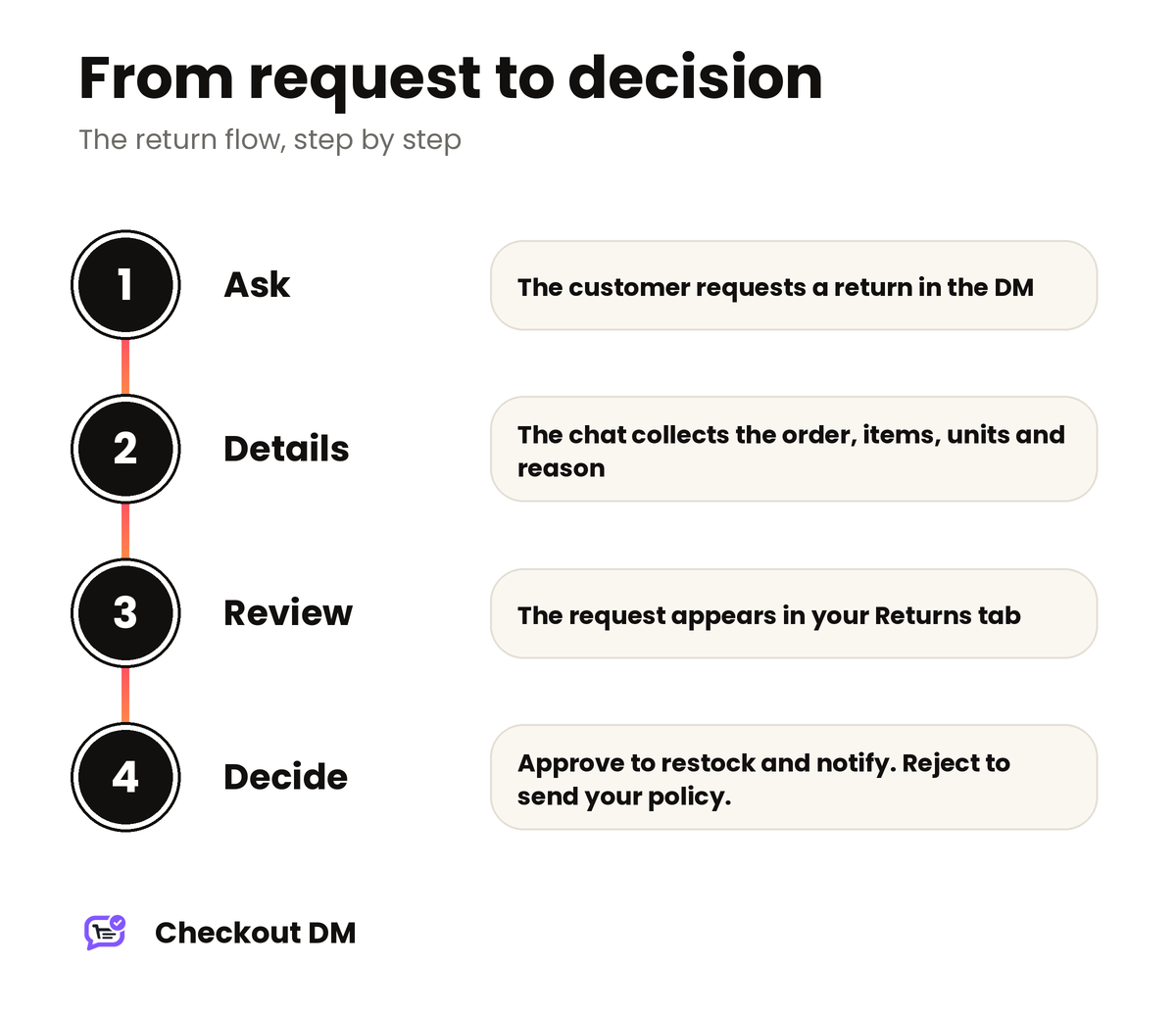
Buyers can ask for a return directly in the DM. You do not need to send them to a form or a separate page. The steps look like this:
- The customer asks to return something in the chat. This only works while the order is still inside your return window (more on that below).
- The chat collects the details. If the customer has more than one order that can be returned, it asks which one. It then asks which item or items they want to return, how many units, and why.
- The request lands in your Returns tab with a Requested status. It shows the order number, the items and the customer’s reason in their own words.
- You approve or reject it. Nothing changes until you decide.
What happens when you approve or reject
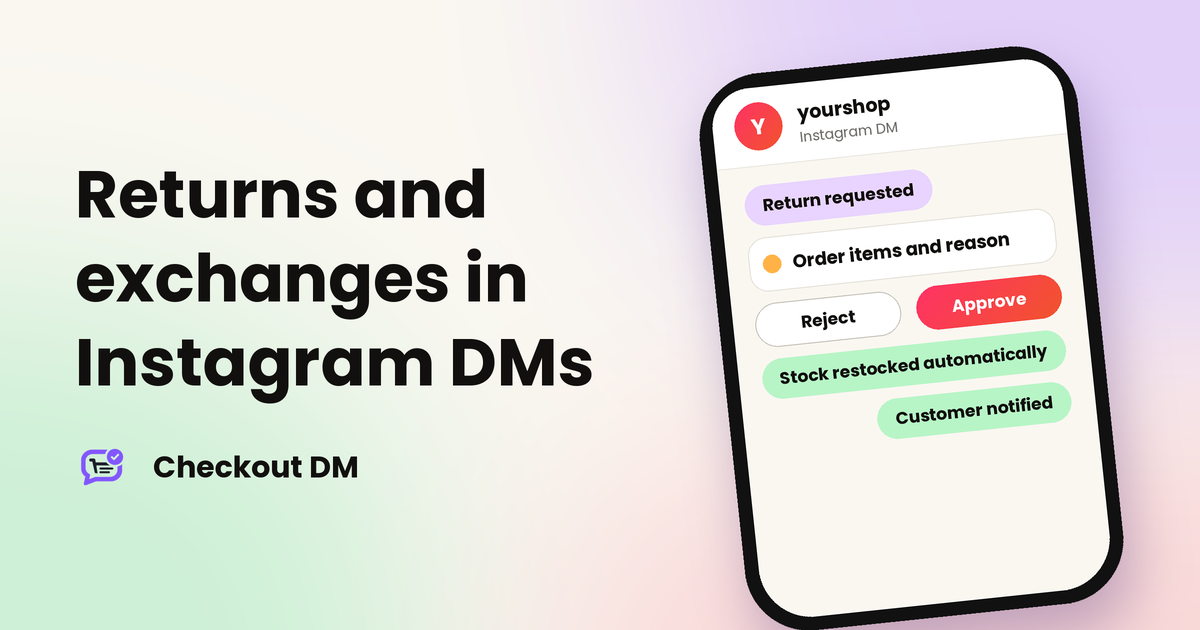
- Approve. The returned items are restocked automatically and the customer is notified. They also receive a confirmation email.
- Reject. The customer gets a DM explaining the decision, along with your return policy.
Your return policy, exchange policy and FAQs are also shown to customers automatically in DMs, so many questions are answered before a request is ever made. If you have not written yours yet, our guide to writing a return policy for your Instagram shop is a good starting point.
How the return window works
You set a Return window in your Profile. It is the number of days a customer has to request a return. What it counts from depends on the order:
- Physical orders: once you mark the order Shipped, the window counts from your ship date plus a two-day cushion for transit. Until you mark it Shipped, no countdown is running and the customer can ask to cancel the order at any time.
- Digital orders: the window counts from the order date, because nothing is shipped.
This is why two orders placed on the same day can have different return eligibility: the one that shipped sooner started its countdown sooner. If you connect delivery tracking with Shippo, the window can also be calculated from the real delivery date instead of an estimate.
Logging a return yourself
Sometimes you already know an item has to come back, for example when you sent the wrong size or it arrived damaged. In that case you can log the return directly against a paid order from your Orders tab, without waiting for the customer to ask. Returns you log yourself are not limited by the return window. That check applies only to customers requesting a return through the chat.
If only some items from a multi-item order are returned, the return is tagged as partial and the order shows a Partially Returned status. The rest of the order stands.
Exchanges for a different size
A customer can also ask to swap an item for a different size. There are two rules worth knowing:
- An exchange can only be approved once the order is delivered.
- Stock is checked automatically. On Starter, Growth and Pro, Checkout DM checks whether the new size is in stock before the exchange is approved, and updates your catalog counts once it is processed. This is skipped for digital products.
Approving an exchange swaps the stock for the new size. You still need to ship the replacement yourself.
What is still yours to do
Being clear about the manual parts matters, so here they are:
- Refunds. Checkout DM does not process refunds automatically. Payments go straight to your own account, so you refund the customer yourself, for example through Razorpay or your bank. On a full return, remember to decide whether to refund the shipping fee too.
- Courier pickup. You can schedule a pickup and a reverse pickup from your dashboard. If you connect Shiprocket’s tracking webhook, Checkout DM can schedule the reverse pickup automatically the moment a return is approved on an order that has been delivered. This delivery tracking is available on Starter, Growth and Pro.
- Exchange pickups. Collecting the old item and sending the replacement is handled from your Shiprocket dashboard, or from your Shippo dashboard’s daily pickup schedule.
Setting it up well
- Set your Return window in your Profile so the chat knows what to allow.
- Mark orders as Shipped, or book couriers from Checkout DM, so the countdown starts at the right time.
- Connect delivery tracking if you are on Starter or above, so exchanges and reverse pickups can rely on real delivery status. Our guide to packing and shipping Instagram orders covers the shipping side.
- Keep your return policy short and specific, so rejections can point to written rules.
Related reading
Frequently asked questions
Can customers request a return directly in the Instagram DM?
Yes. Buyers can request a return in the chat, and you manage and approve returns from your merchant dashboard. You can also log a return yourself from the Orders tab.
Does Checkout DM refund the customer automatically?
No. Checkout DM does not process refunds automatically. Because payments go to your own account, you refund the customer yourself, for example through Razorpay or your bank.
What happens to my stock when I approve a return?
Approving a return restocks the returned items automatically and notifies the customer. Approving an exchange swaps the stock for the new size.
When can a customer ask for an exchange?
Only once the order has been delivered. On Starter, Growth and Pro, the new size is checked for stock automatically before the exchange is approved.
What if a customer asks to return after my return window has passed?
The chat only accepts return requests while the order is inside your Return window. You can still log a return yourself from the Orders tab, because that is not limited by the window.